Change Background in Photo
AI photo background changer: use your own picture
Change the background in a photo without redrawing the subject: AI cuts it out and you choose the new background. The subject stays exactly as photographed, on a layer you can move and resize.
Upload an image to change its background
or drop or paste an image. JPG, PNG, or WebP up to 20 MB.
1 credit per photo, or a free cutout See plans
By uploading, you agree to our Terms of Service and confirm you have the rights to the image. Uploads stay private to your account.
- Failed steps are not charged
- No public links or galleries
- We never train AI on your photos
- No watermark
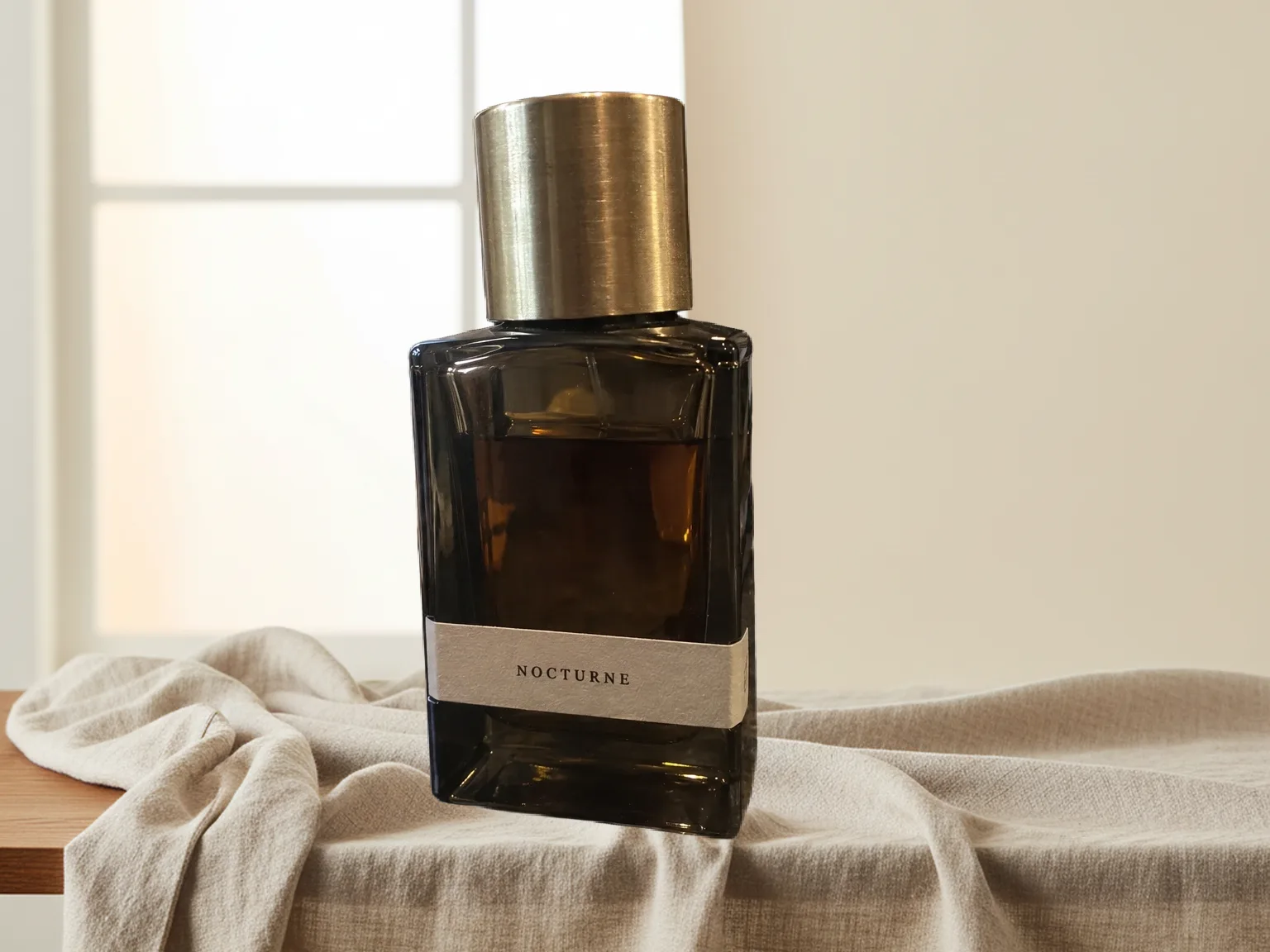
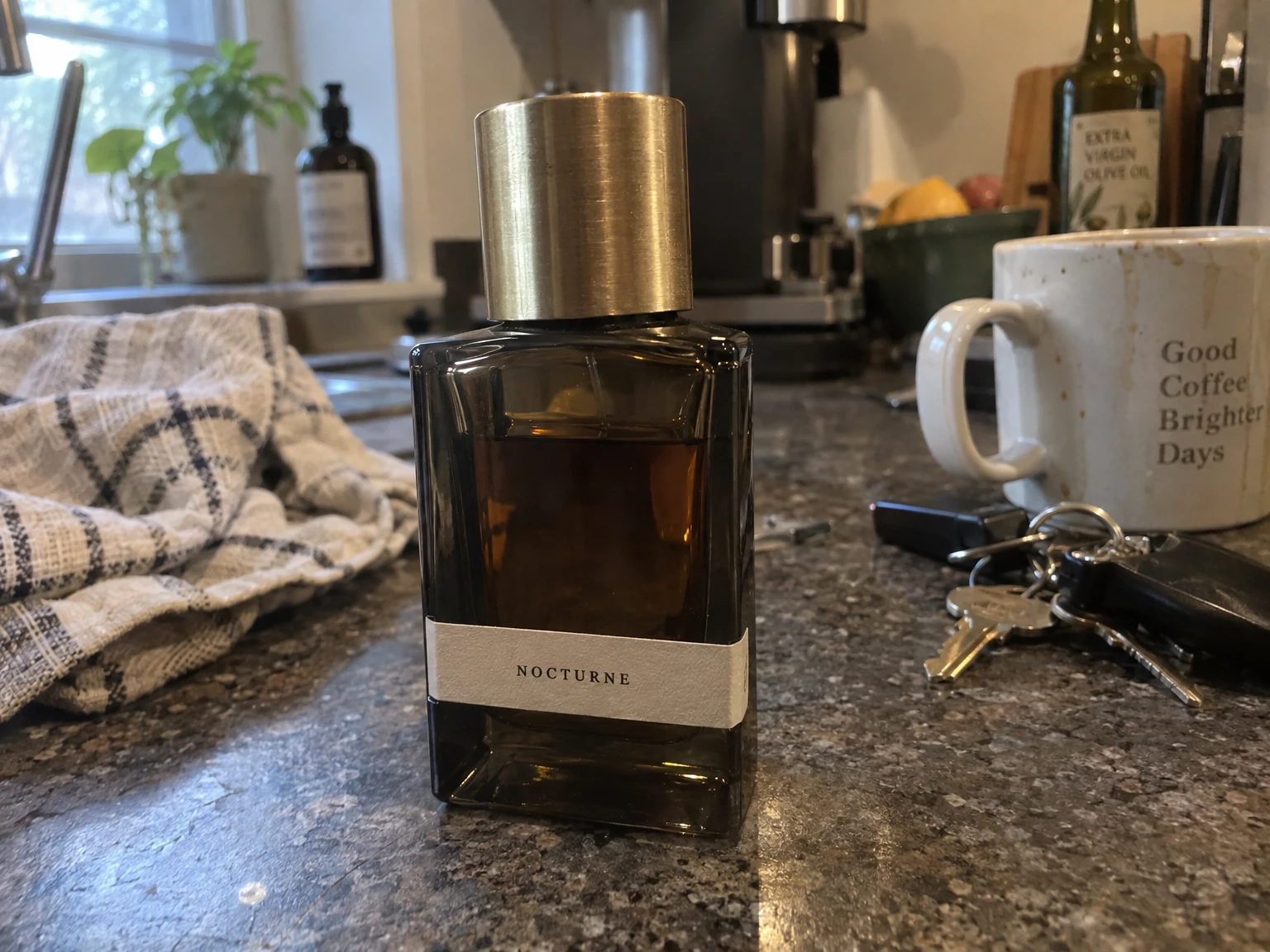
How to change background in photo
Upload your photo
Products and portraits with a clear subject give the best results.
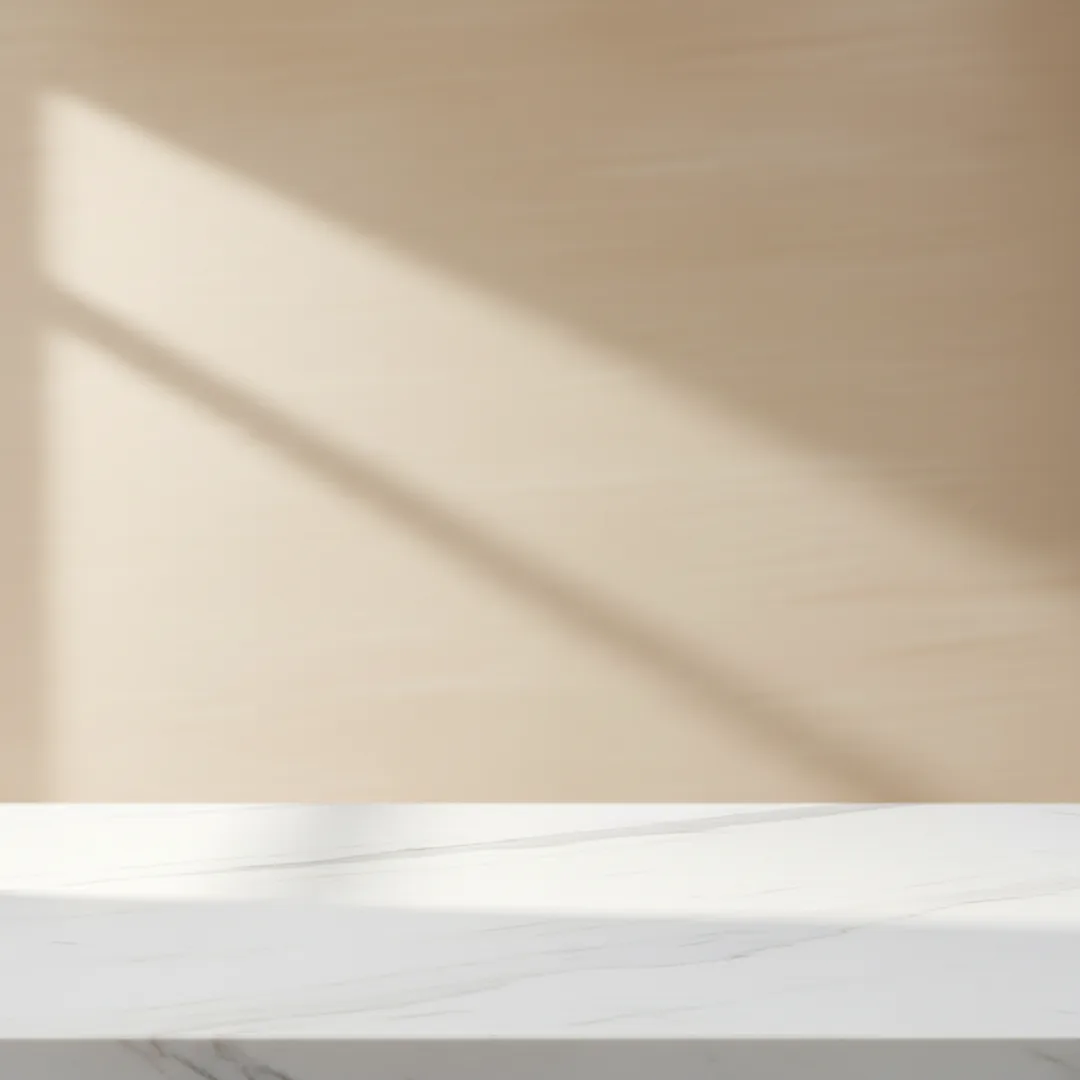
Choose a background picture
Upload one, or pick one you used before. No background picture? Make one with Generate an image first.
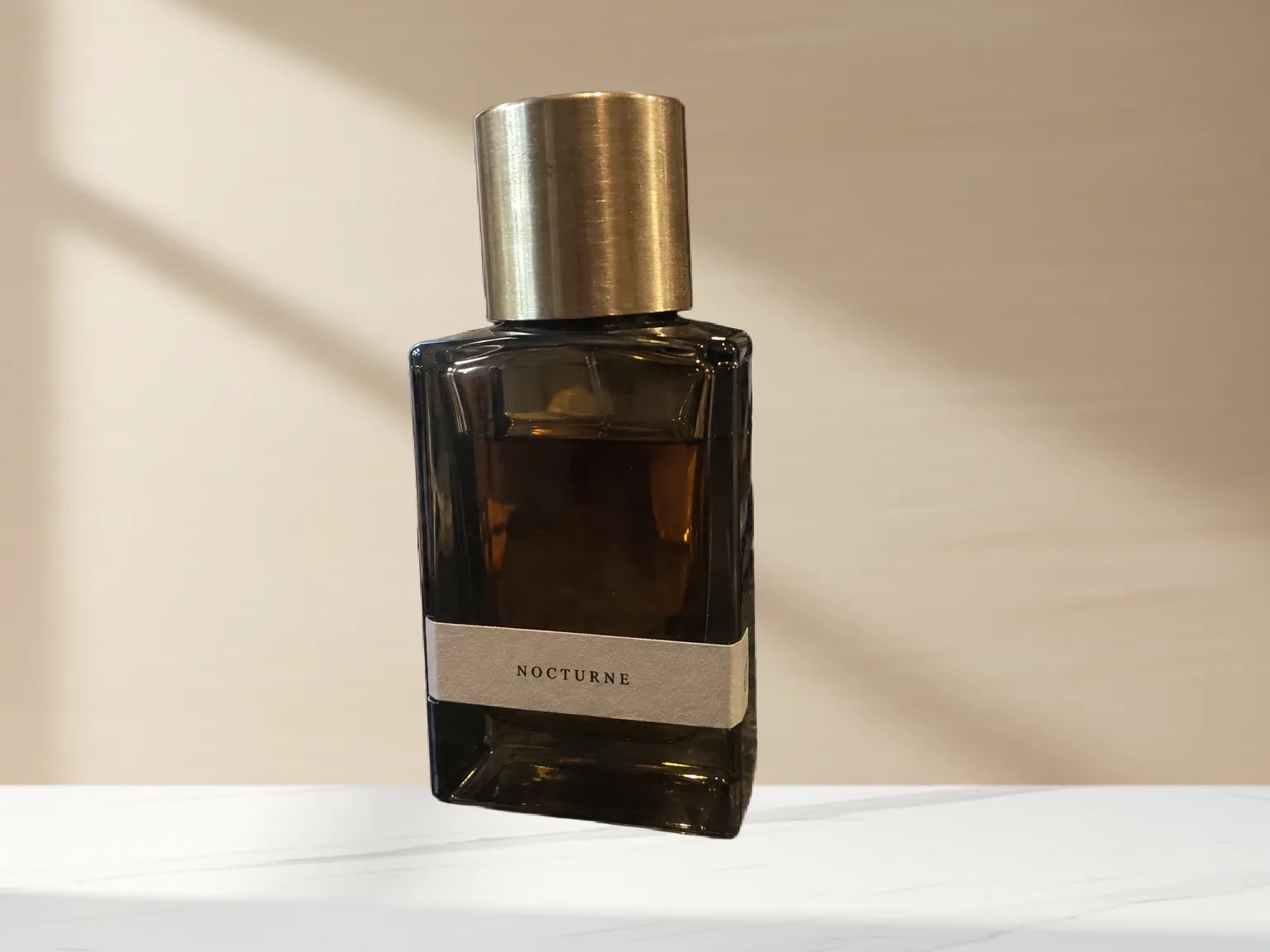
Place it and download
The subject is cut out and set on your picture, where it was in the photo. Move or resize it, then download.
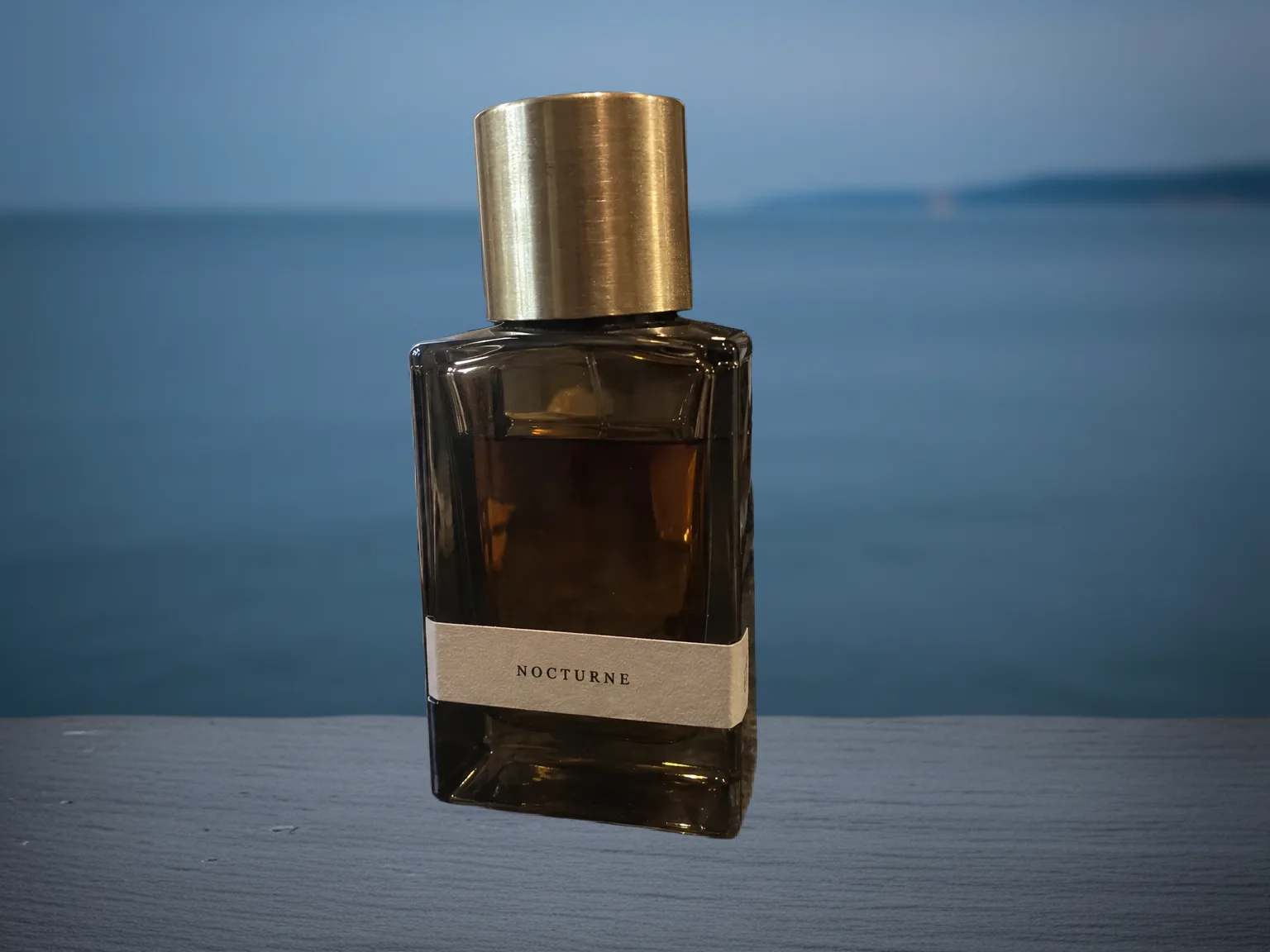
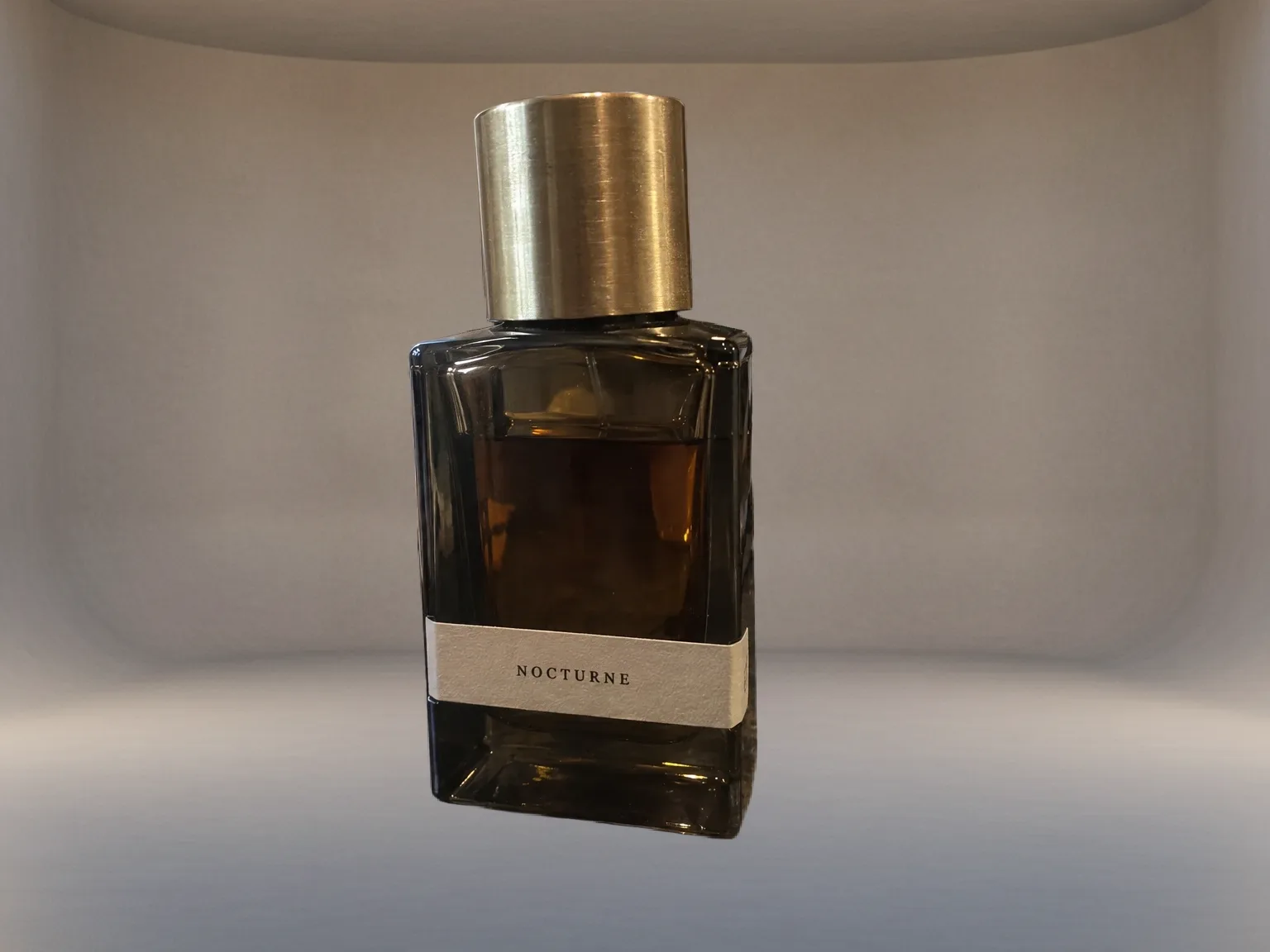
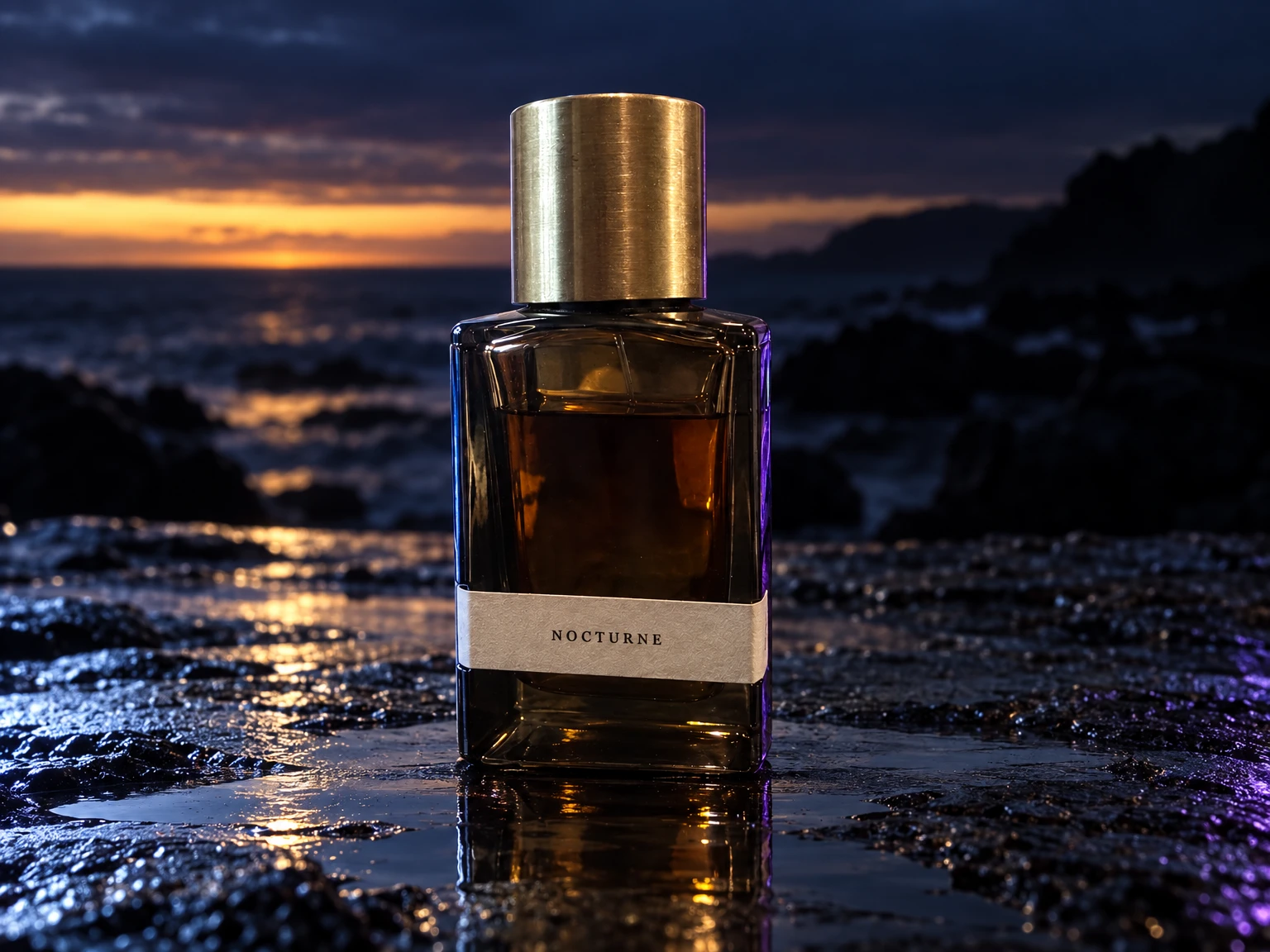
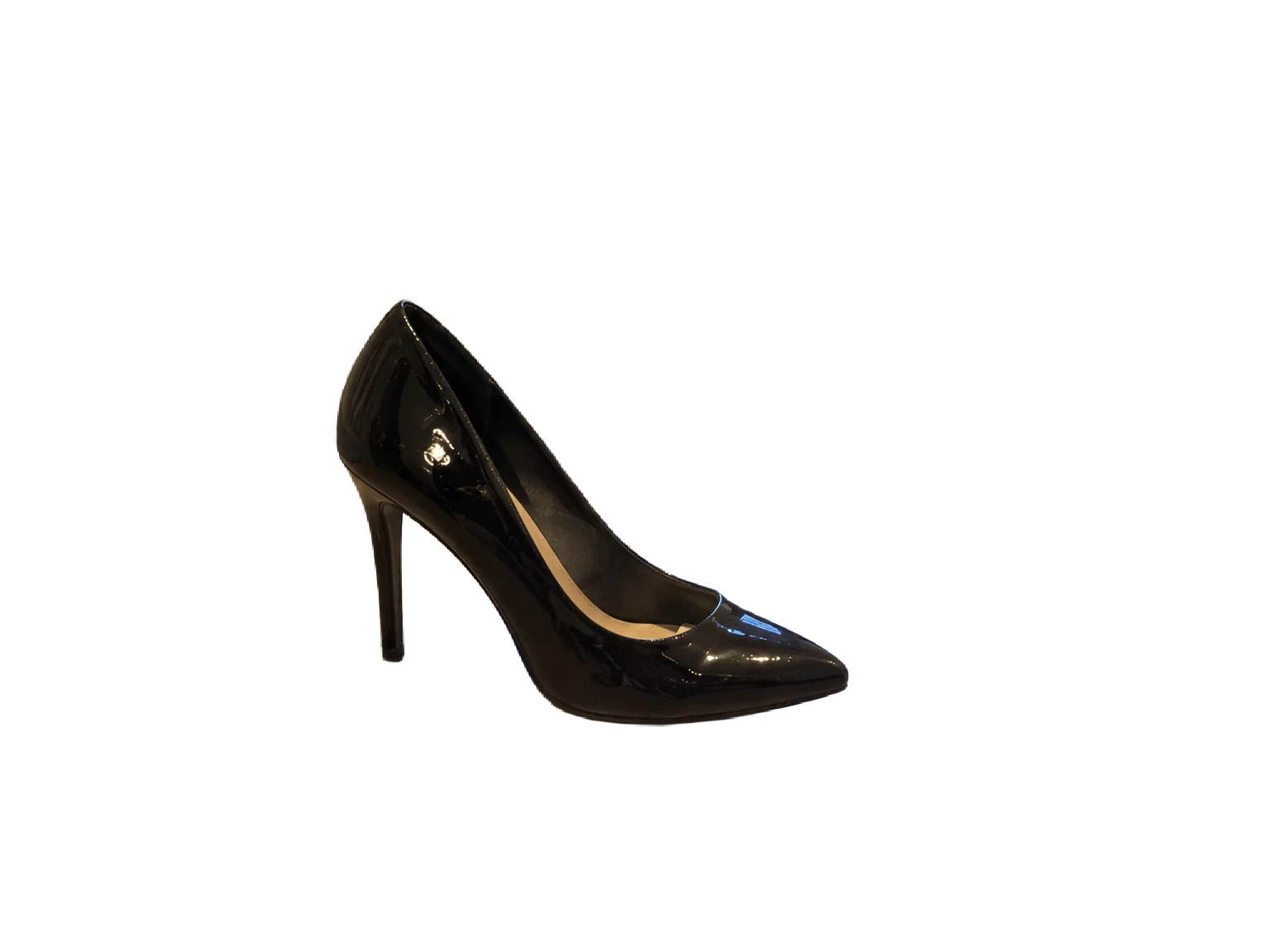
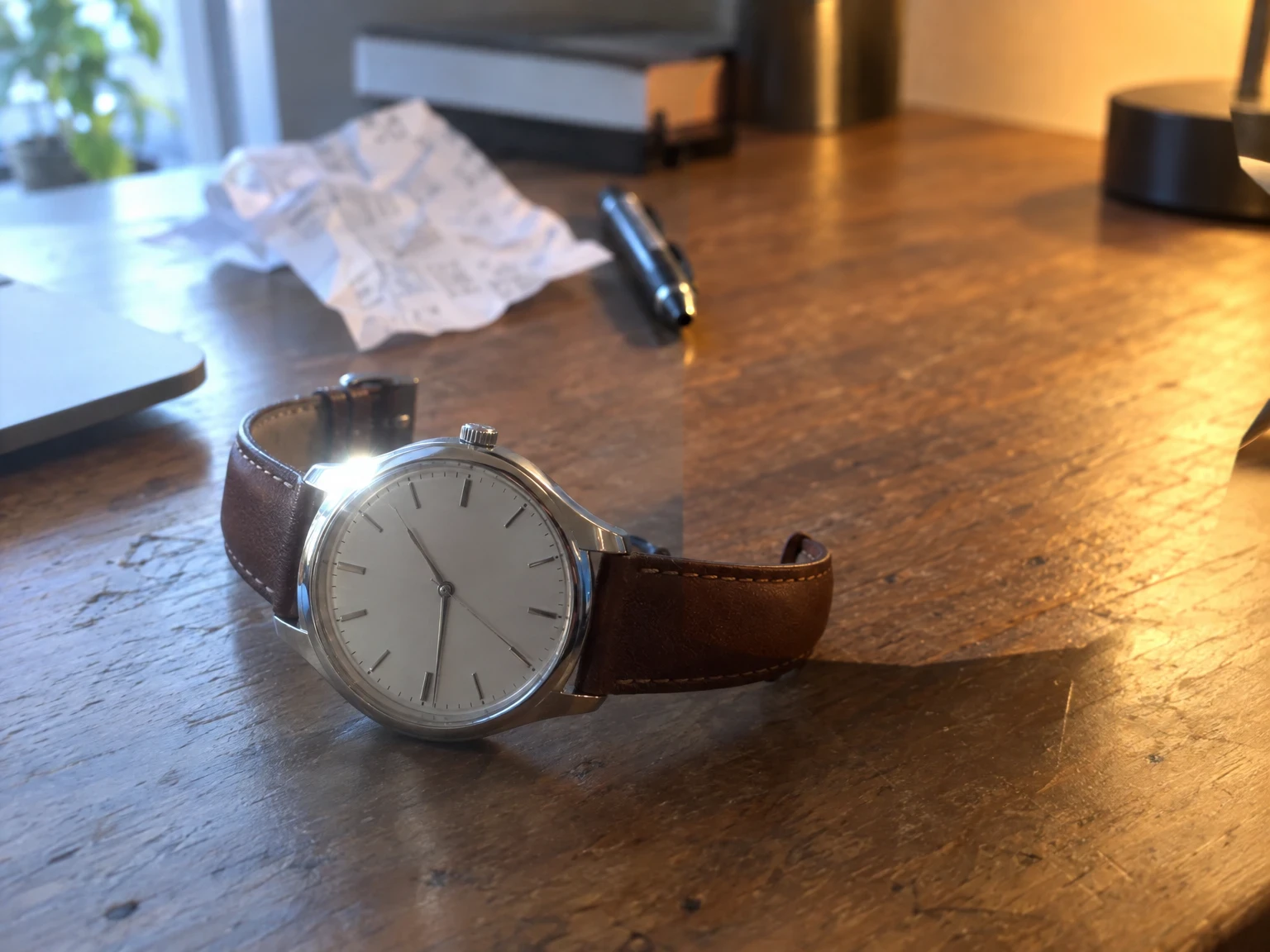
Change background in photo: one product, four stunning backgrounds
What is an AI background changer?
An AI background changer swaps what is behind the subject of a photo for something else. There are two kinds. One kind draws a whole new picture from your photo and a description, and that can change the product too: a label blurs, a logo is misspelled, a color shifts. The other kind cuts the subject out and sets it, untouched, on a new background. SayRetouch is the second kind, and we think it is the best of its kind. The AI only finds the outline; nothing on your product is painted again, so the label reads as it did in your photo. It is the easiest way to put a product somewhere new without ever redrawing it. You bring the background: upload any picture, or make one with the AI image generator first. A change costs 1 credit a photo or one of your free cutouts, and a free account gets 3 cutouts a day.
The best way to change background in photo: your picture, your subject, untouched
Your own background
Upload any picture: a shelf, a beach, your own studio. Or make one with Generate an image first.
The product stays exact, down to the last pixel
The subject is cut out, not redrawn, so labels and fine print stay as photographed.
One price, shown first
1 credit per photo, which pays for the cutout, or one of your free cutouts: a free account gets 3 a day. Failed changes cost nothing.
A layer of its own
Move or resize the subject, add text on top, or change the background again.
Studio quality: full size, no watermark
Download the finished picture as a PNG or a JPG at full size, with no watermark, on a free account too.
Change background to anything you like
Use a photo of your shop, a texture you shot, or a scene made with Generate an image. The picture is scaled to fill the frame.
Change background in photo, then go further
Questions
AI background changer FAQ
Tools that go well with this one


Try it on your own photo
1 credit per photo, which pays for cutting the subject out, or one of your free cutouts. New accounts get 2 trial credits.