Remove Background from Image
Cut out products, people, and pets in seconds. Download a transparent PNG, or keep editing with layers.
Upload an image to remove its background
or drop or paste an image. JPG, PNG, or WebP up to 20 MB.
Free, 3 cutouts a day on a free account See plans
By uploading, you agree to our Terms of Service and confirm you have the rights to the image. Uploads stay private to your account.
- Failed steps are not charged
- No public links or galleries
- We never train AI on your photos
- No watermark
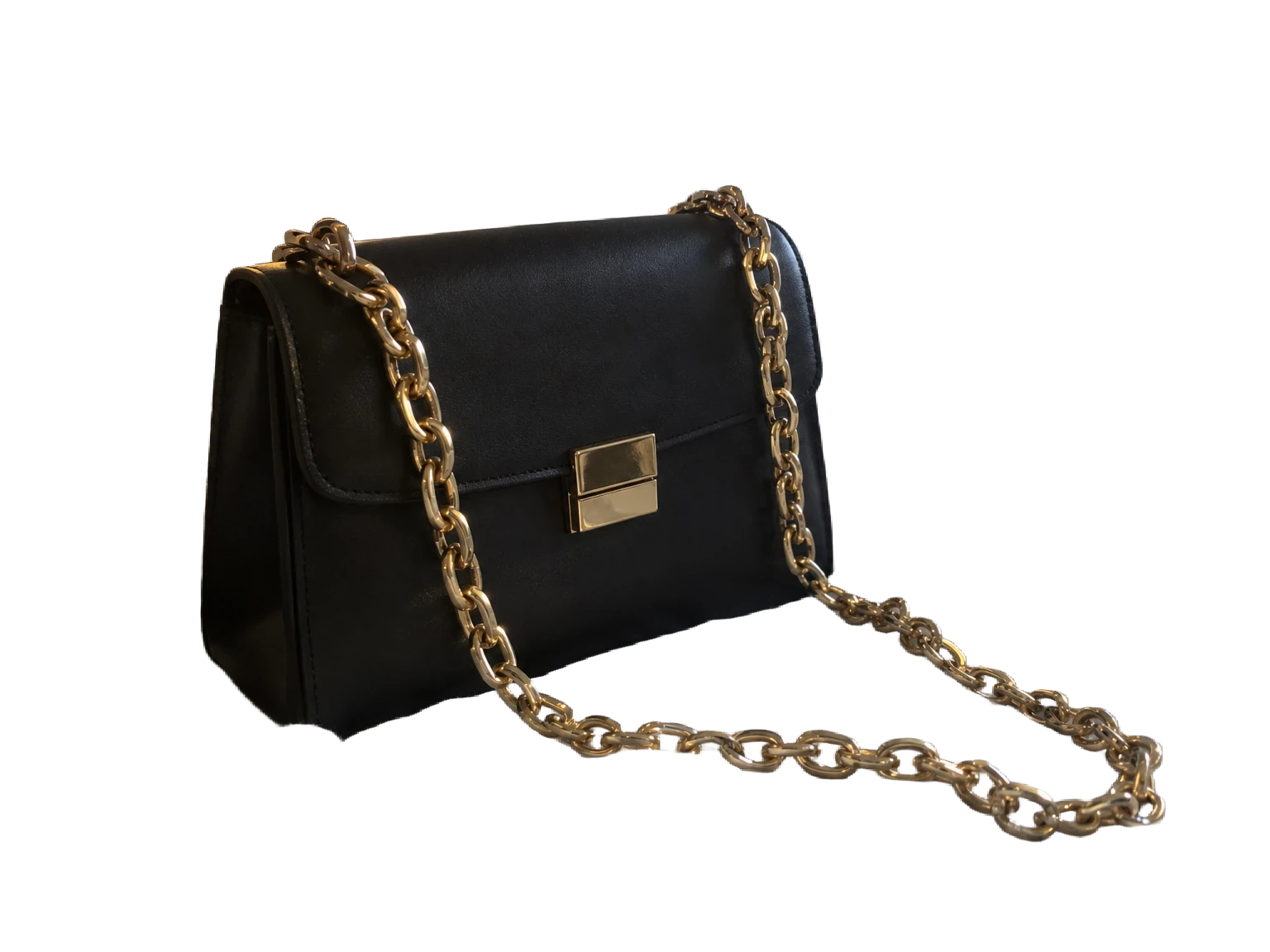
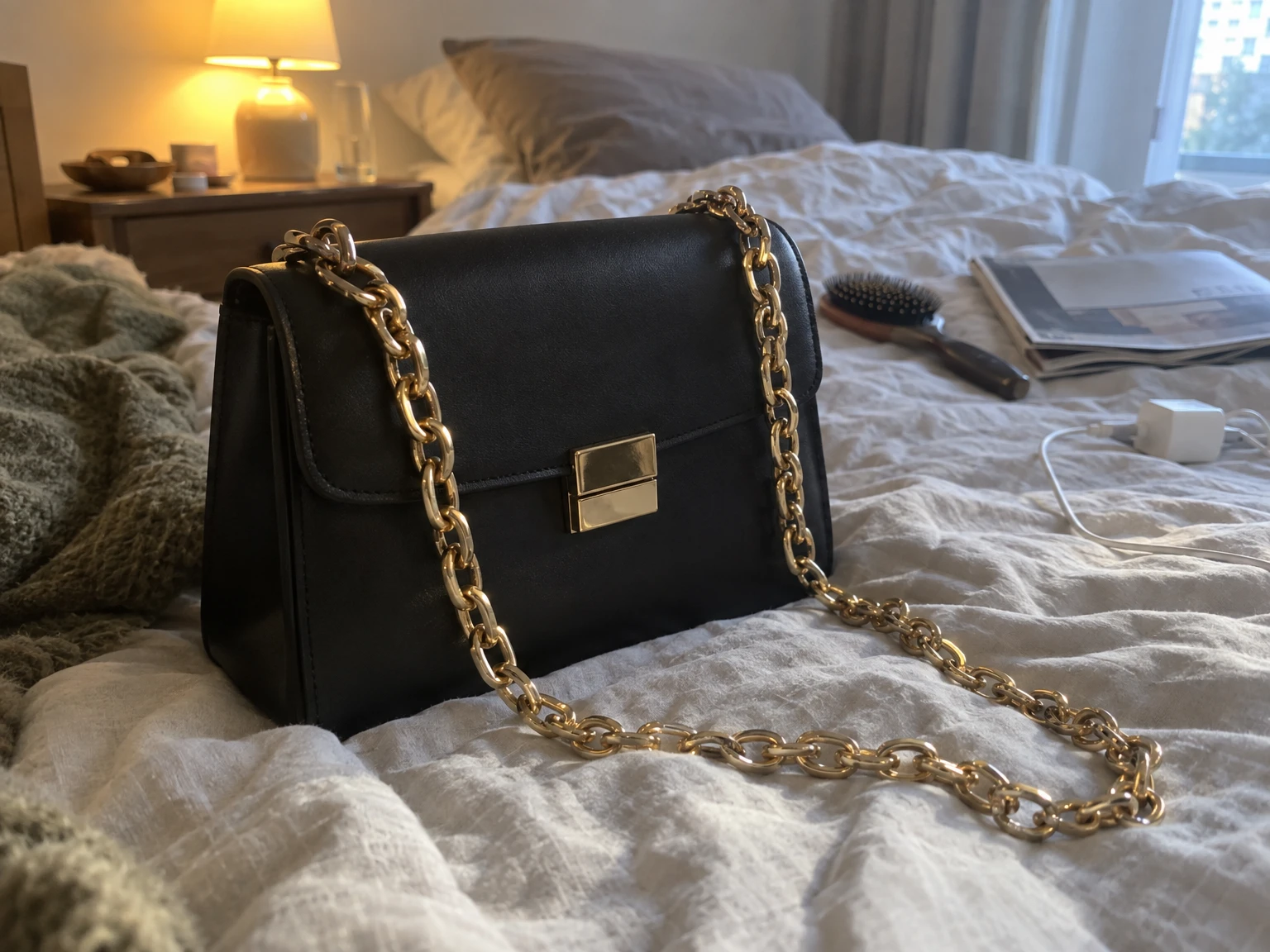
How to remove background from an image
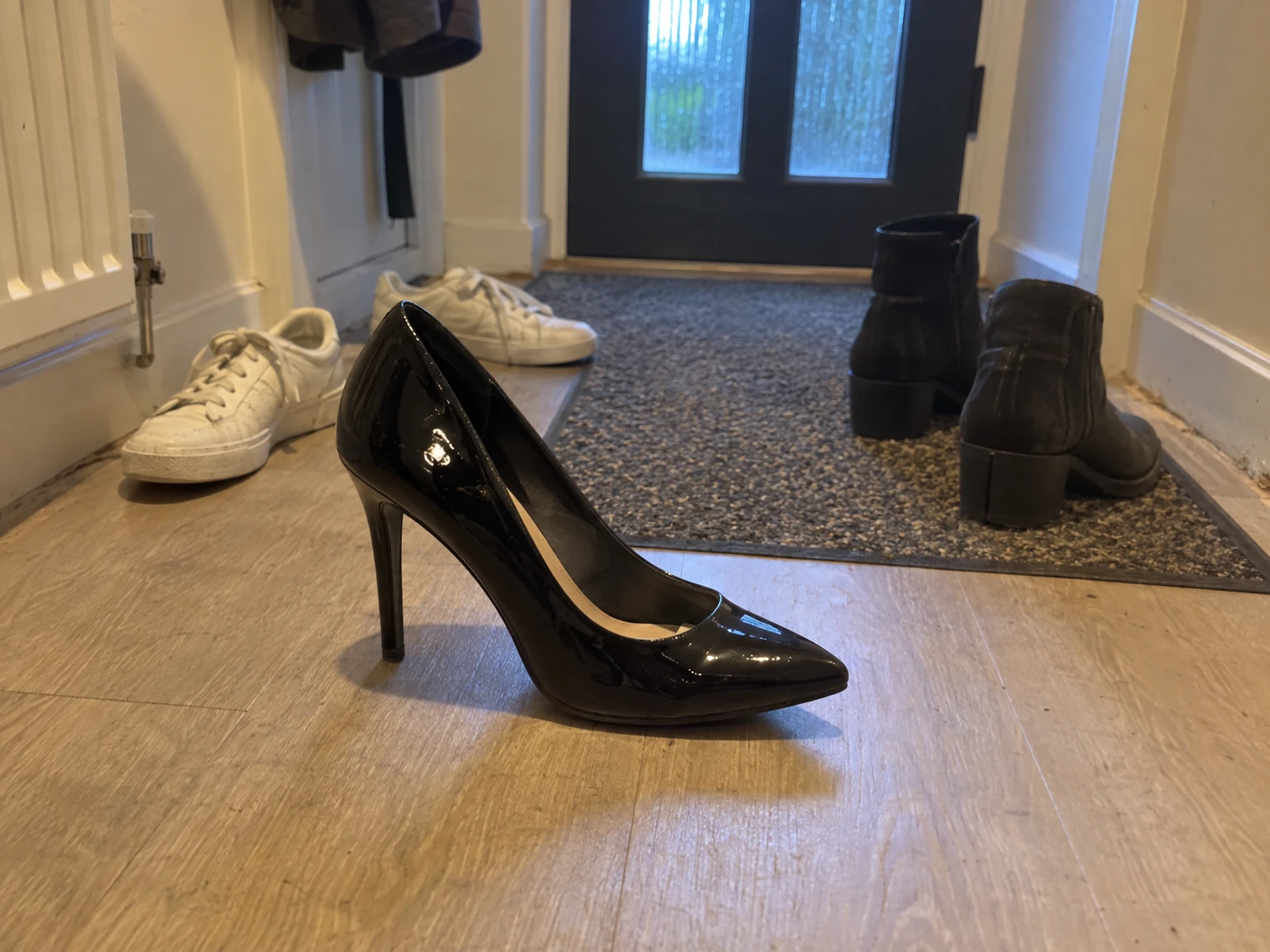
Upload your photo
Choose a JPG, PNG, or WebP up to 20 MB, or paste one from your clipboard.
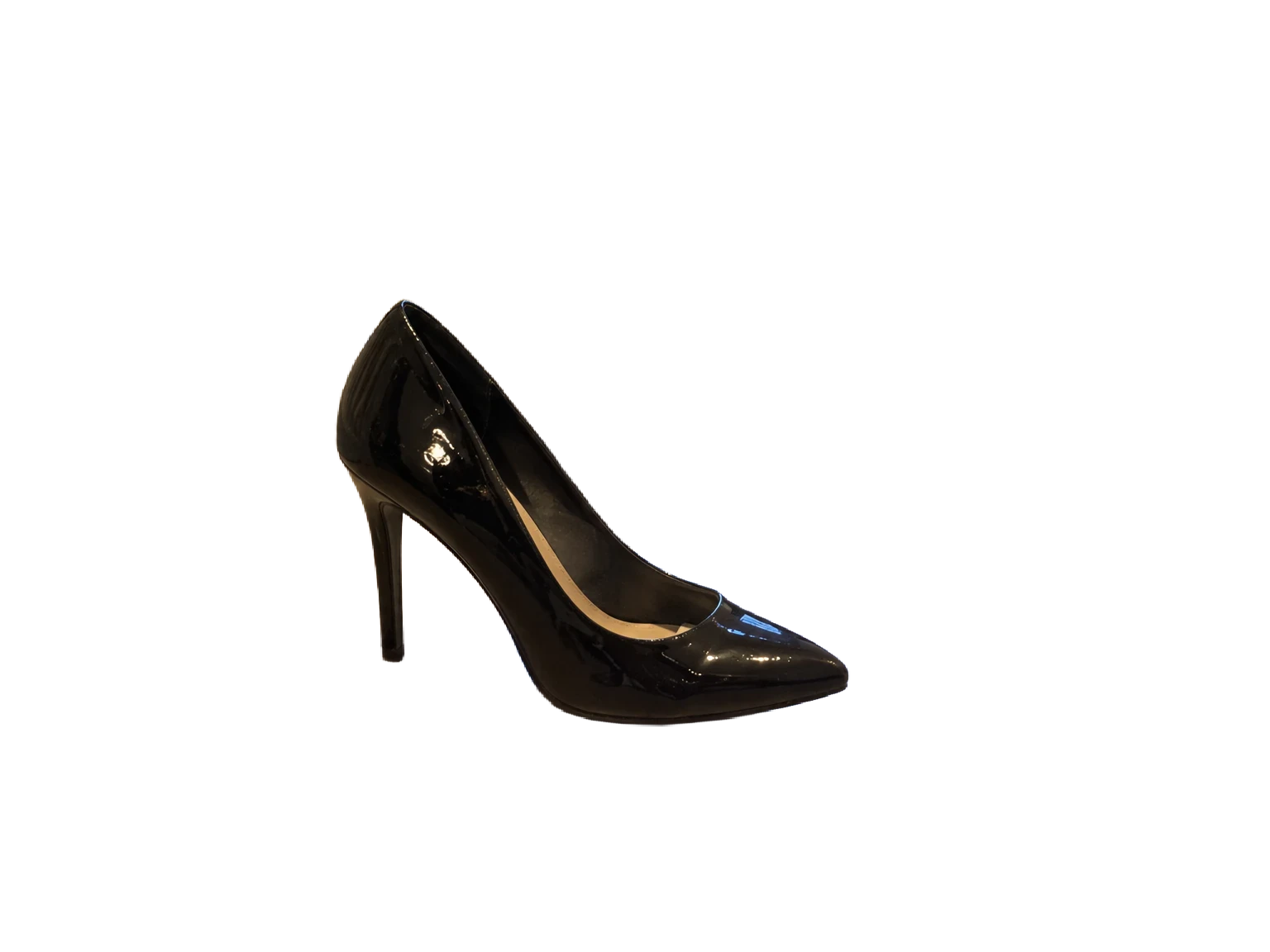
Let Remove background run
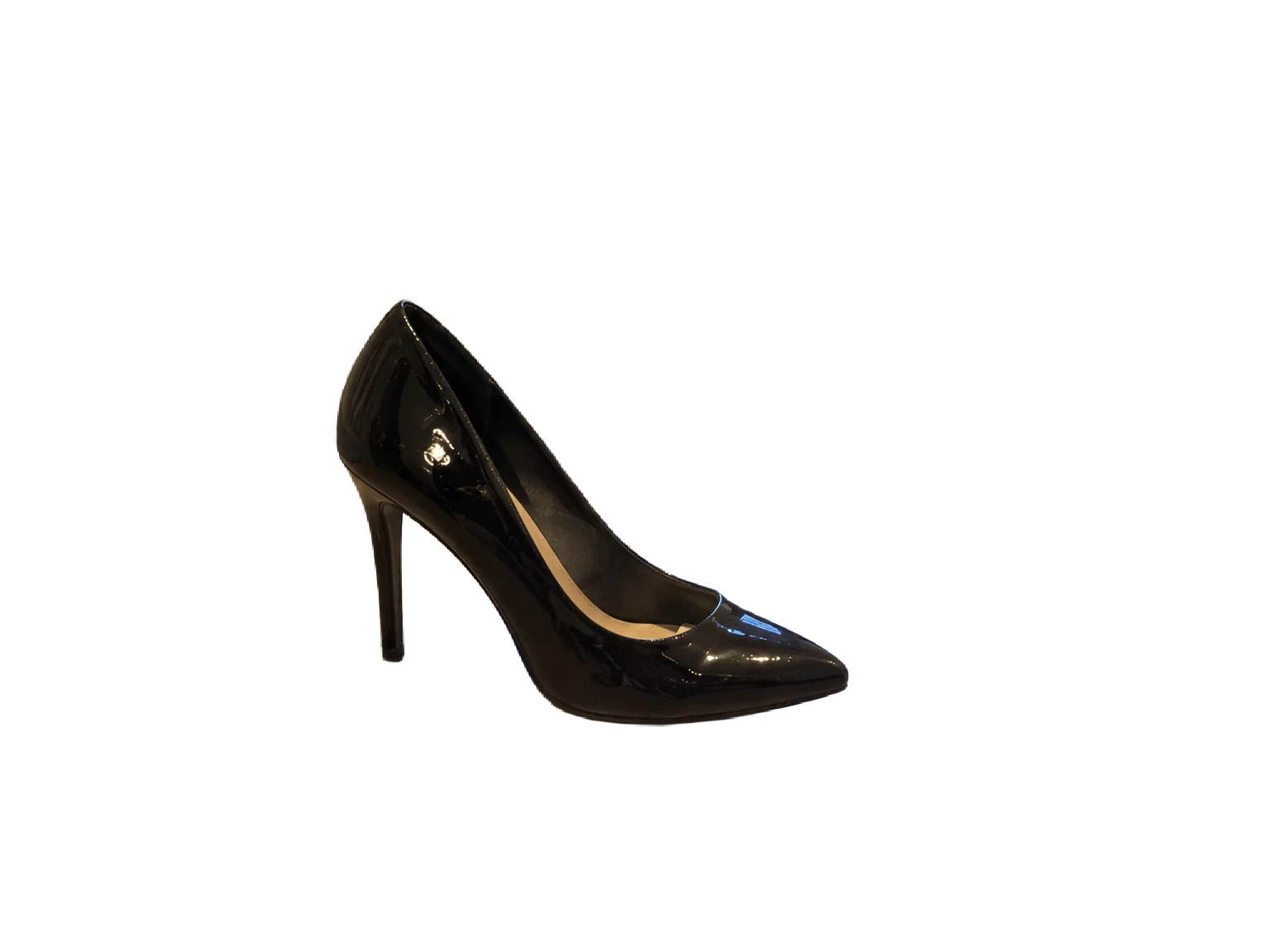
The background is removed automatically. Zoom in to check the edges: glass, clear plastic, and fine detail are the hardest to cut out.
Download or keep going
Download the cutout, place the subject on white, or put it on a background picture of your own.
Remove background from the photos you actually take
What is a background remover?
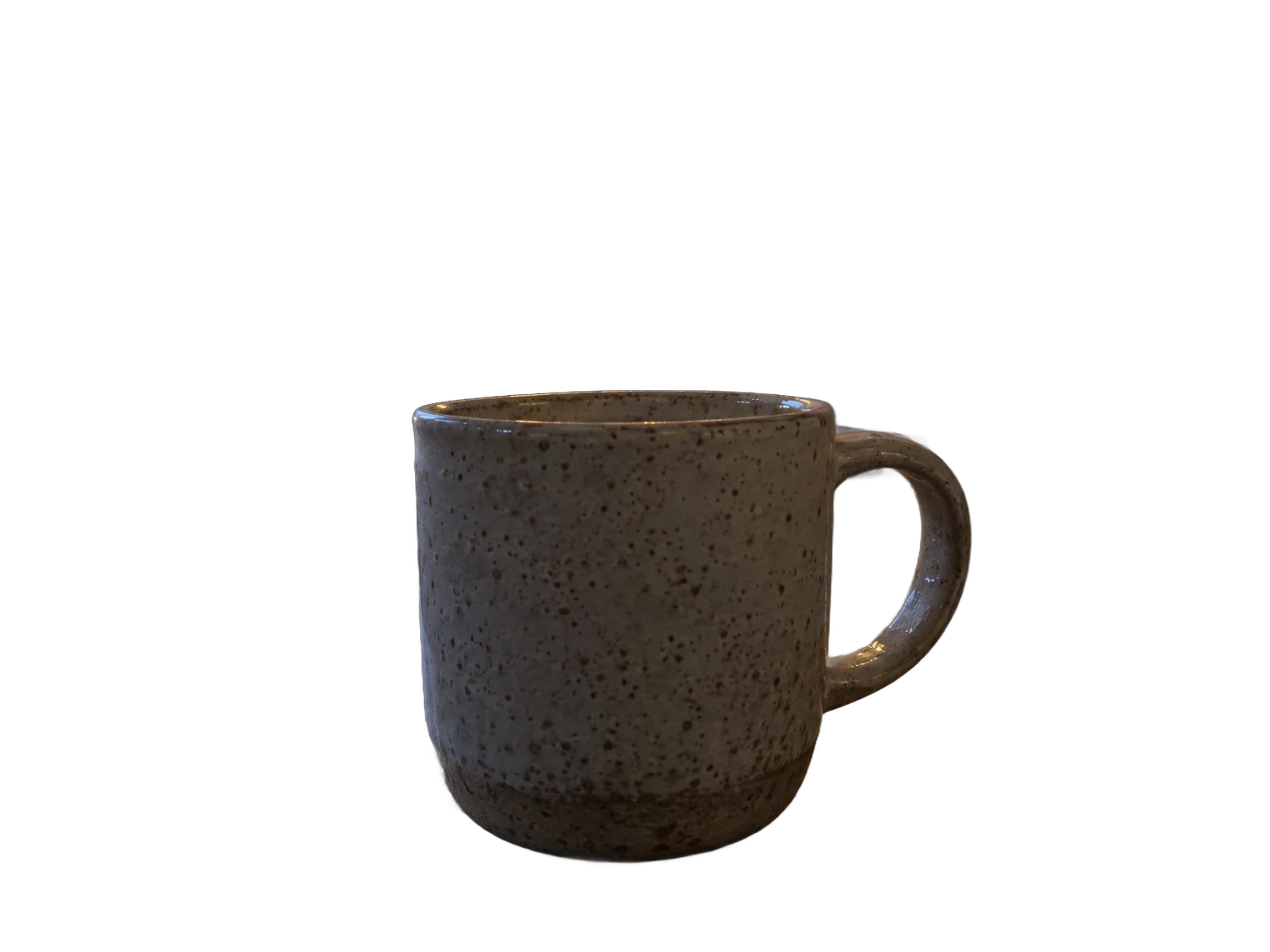
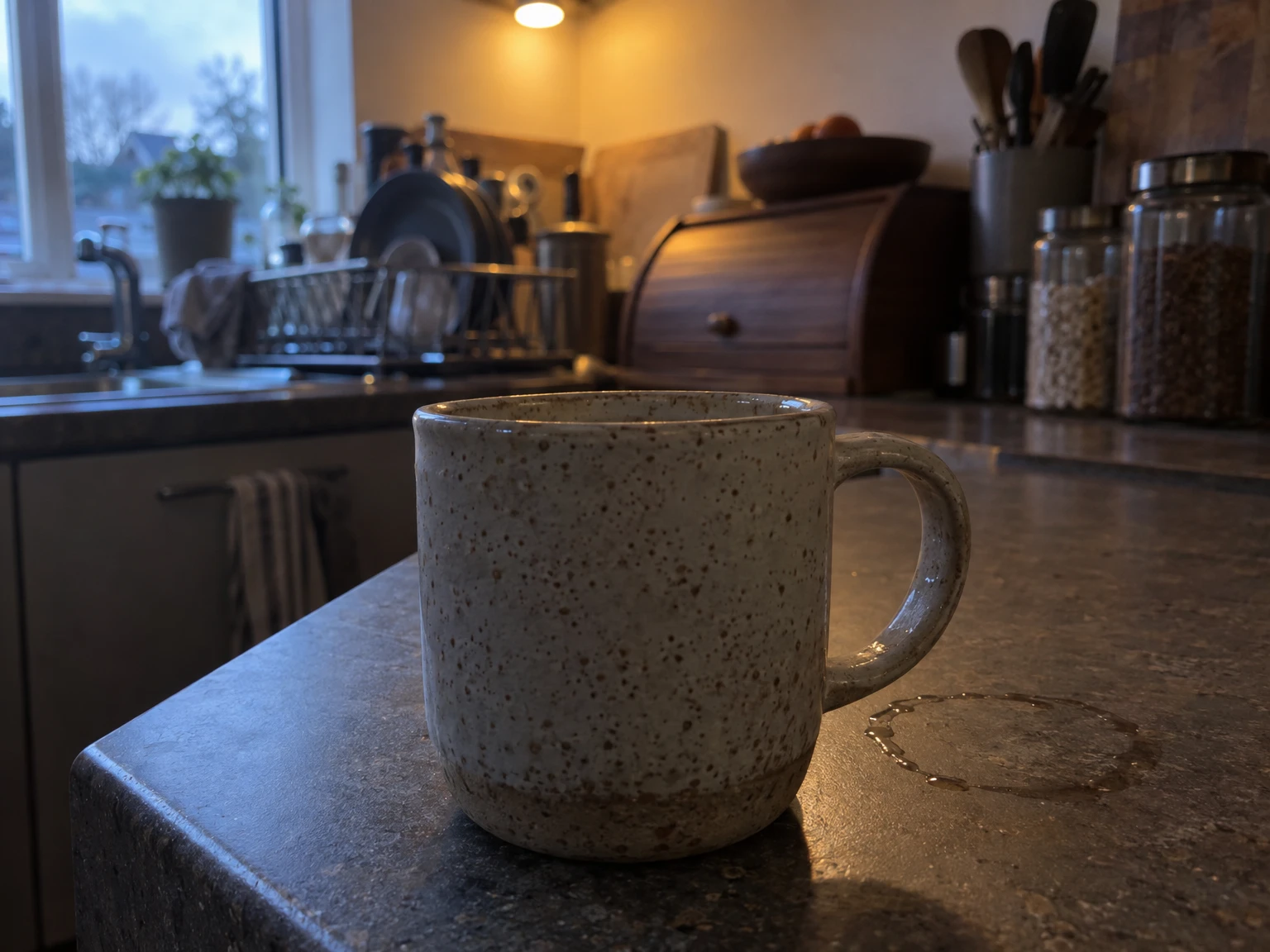
A background remover is a tool that cuts the subject of a photo out of everything behind it, so you can remove background from an image without tracing the edges by hand. You upload a picture, the AI finds the product, person, or pet, and you get it back on a transparent background in seconds. SayRetouch is the best free background remover online, right in your browser: a free account gets 3 cutouts a day, and each one downloads at the same size as the photo you uploaded, with no watermark. Some free tools hand you a small preview and charge for the full-size file; here the free download is the full-size one. From there you can put the subject on pure white, set it on a background picture of your own, or keep editing it in layers. It is the easiest way to remove a background from a product photo and keep every pixel of the product.
Why SayRetouch is the best background remover online
Free every day, at full size
A free account gets 3 cutouts a day. Each one downloads at the size of the photo you uploaded, with no watermark. Every paid plan includes more, and when a quota runs out you can wait for it to reset or pay 1 credit for one more.
Remove background, then keep editing
Undo anything
Every step is kept in the history of your edit session.
Private by default
Uploads stay in your workspace. There are no public links and no gallery.
Remove background around hair and fine edges
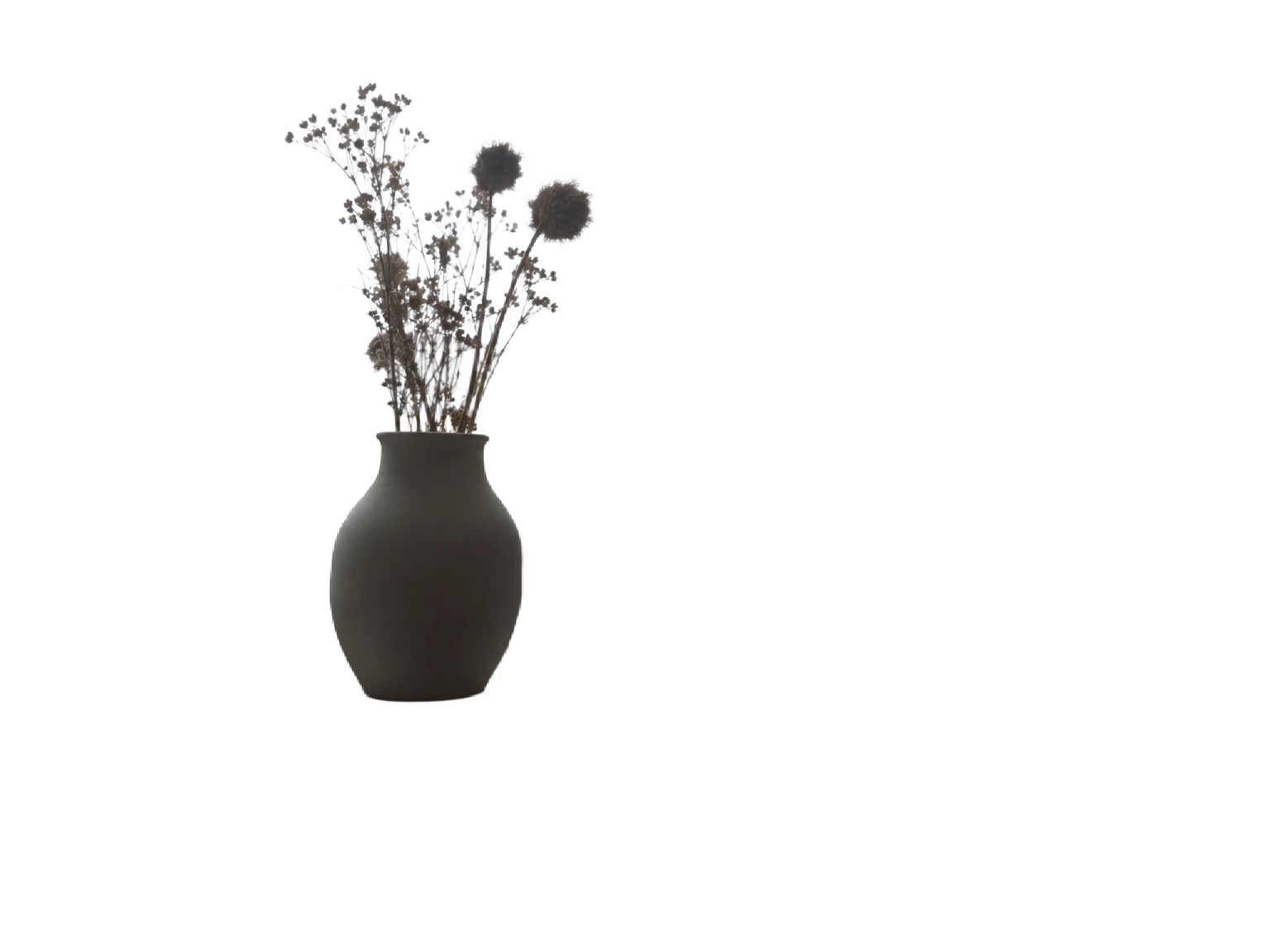
Automatic cutouts handle most photos beautifully, hair and fur included. Fine hair can still leave a soft fringe, so check the edges at full size before you use the result.
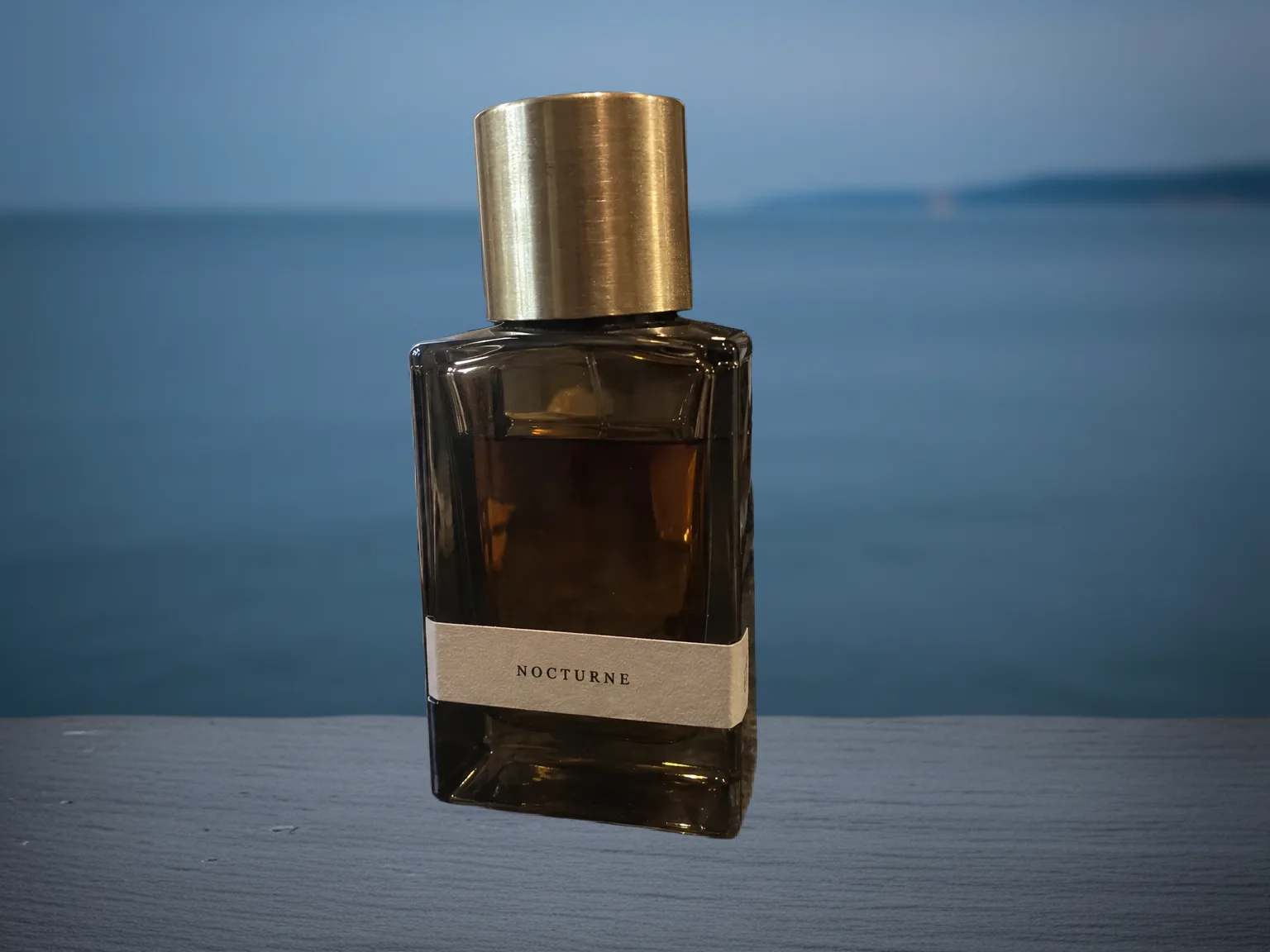
Change the background when you are ready
Upload a background picture and the cutout is set on it, as a layer of its own. A photo that is cut out already gets its new background for free.
A studio-clean cutout is just the start
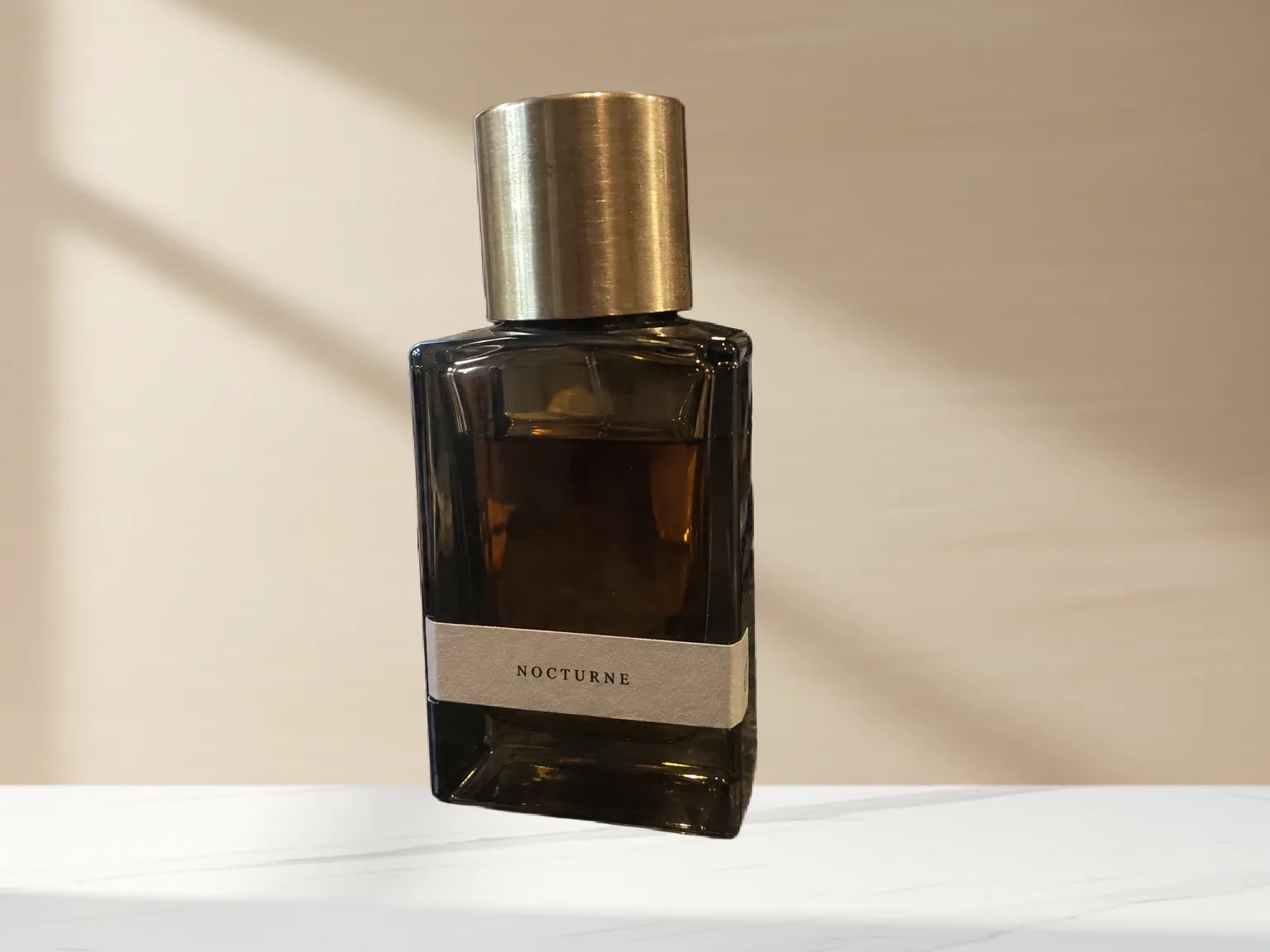
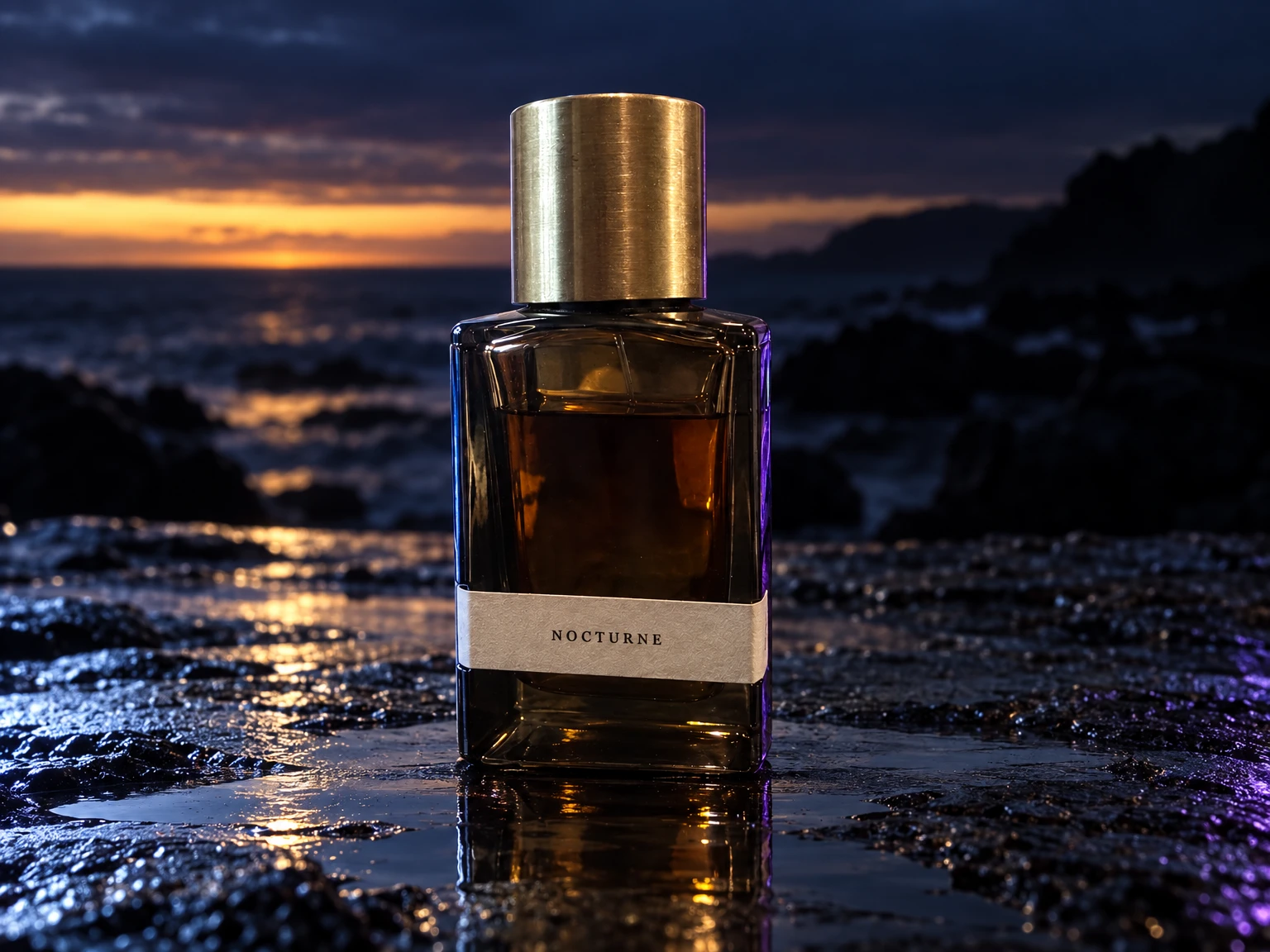
Questions
Remove background FAQ
Tools that go well with this one


Help center
Step by step
Try it on your own photo
Background removal is free. Free accounts get 3 cutouts a day, Starter 150 a month, Pro 250 to 1,200 a month and Ultra 1,500 to 3,400 a month, by size.