Erasing and editing
Edit one part of a photo and keep the rest
Select the part first with Smart select, then choose Replace area and say what it should become. The change is kept to the part you selected and to what has to change with it, such as its edge, its shadow or its reflection: everything else keeps its own pixels, and the photo keeps its size. Without a selection, the AI goes by your words alone and can change more than you meant. You can undo every step.
or drop or paste an image. JPG, PNG, or WebP up to 20 MB.
By uploading, you agree to our Terms of Service and confirm you have the rights to the image. Uploads stay private to your account.
Why does AI redraw the whole picture when you ask for one change?
A chat-style AI image tool works from words alone. When you ask it to change one thing, it draws a whole new picture from your photo and your sentence, so anything in it can shift: a face, a label, the framing, the size. Editing only one part needs a selection, which AI tools call inpainting: you mark the area, and the model draws inside it, using the pixels around it as a guide. SayRetouch makes it as easy as it gets: you mark the part with one click (Smart select) or with a brush, choose Replace area, and say what it should become. The change is kept to the part you selected and to what has to change with it, such as its edge, its shadow, or its reflection. Everything else keeps its own pixels, and the photo keeps its size: the most careful way we know to edit a photo with AI. The price, from 1 credit, is shown before it runs, and every step can be undone in the photo editor with layers.
Before you start
- Credits for the change. Replace area costs from 1 credit, depending on the model, and shows the price before it runs. A change that fails costs nothing.
- Smart selections in your quota: 10 a day on a free account. One is used per version of the image; more clicks on the same version are free.
- A larger screen, such as a computer. Smart select and Replace area are not in the phone editor.
Steps
Open your photo
Upload it in your workspace. It opens in the editor.
Select the part with Smart select
Click it on the canvas, and Shift-click to add more of it. Or switch to Brush and drag over the area: each stroke adds to the selection.
Choose Replace area
Under What it should become, say what the selected part should be: a color, a material, or another object.
Check the price and confirm
The panel shows the price of one image. When it is done, the part you selected has changed, with anything that had to change with it, and the rest keeps its own pixels.
Undo, or keep parts apart
Undo takes back any step. To keep an object apart from the rest, select it and click Lift to a new layer. That costs one image, and only when the model has to paint in what was behind the object. In Layers you can then hide it or fade it.
Examples
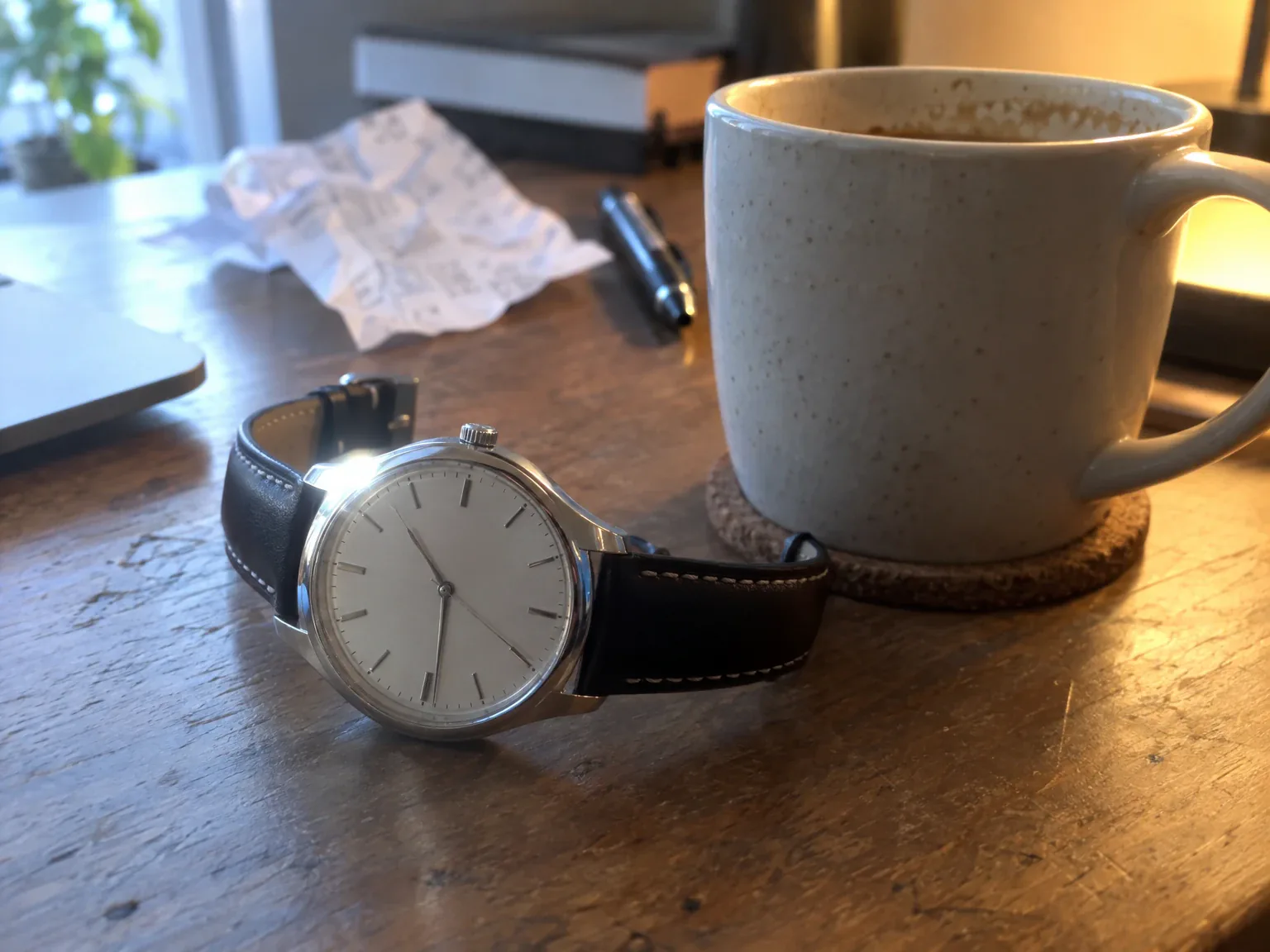
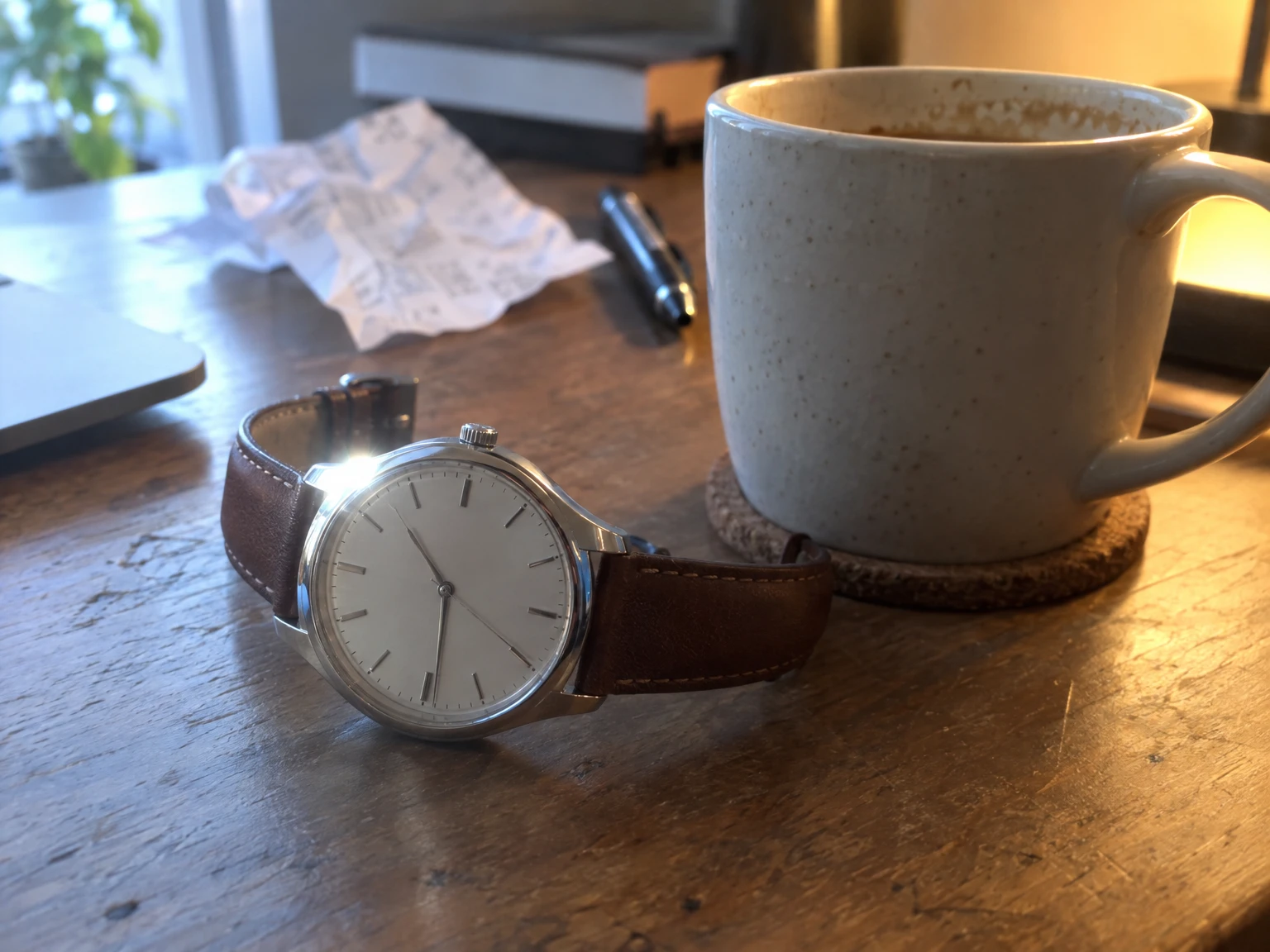
What it does not do
- It does not know which part you mean when nothing is selected: Replace area then goes by your words alone, on the layer under the pointer, and can change more than you meant.
- It does not stop exactly at the edge of your selection: where the AI also changed something joined to it, such as the rest of that part, its shadow or its reflection, that is kept too. If it took more than you wanted, undo it and select more exactly.
- The new part is drawn by an AI model, so it can differ from what you asked for. Check it, and undo or try again; each try costs credits.
- It is not for removing things. To remove objects from photos, use Erase, which fills the space with what is around it.