AI images
Keep your product the same in AI product photos
Make scenes, model shots, and posters that keep your product
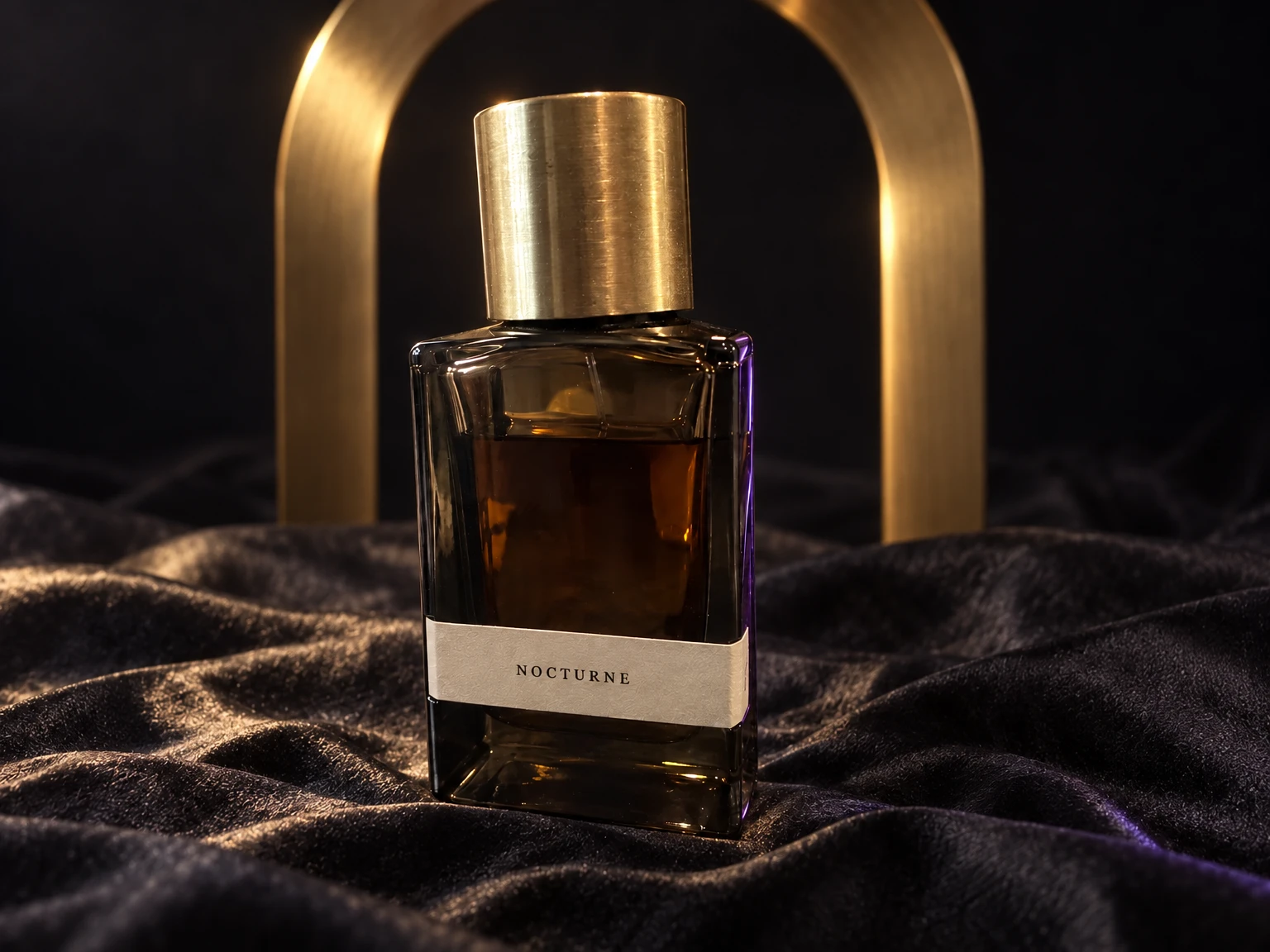
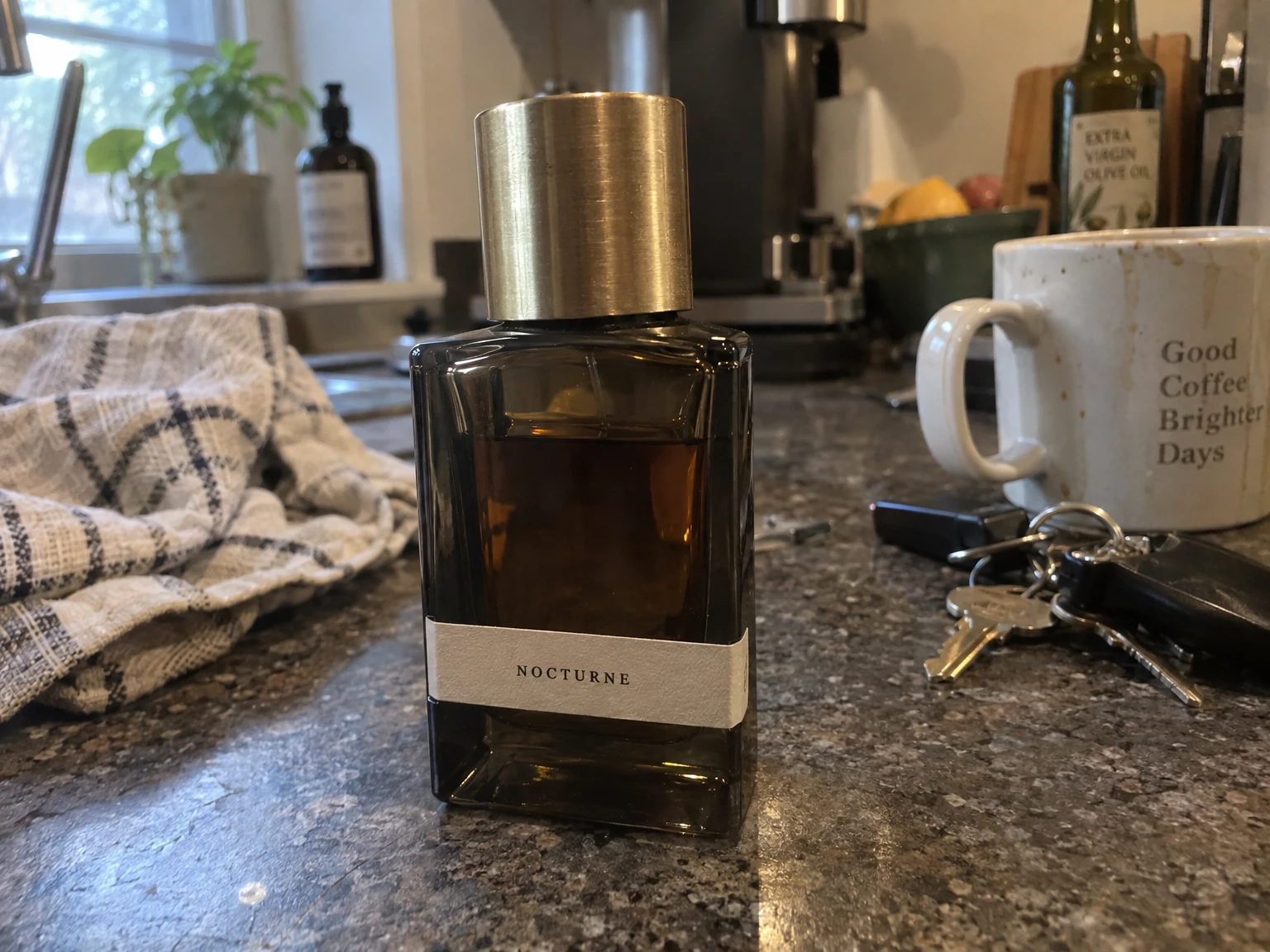
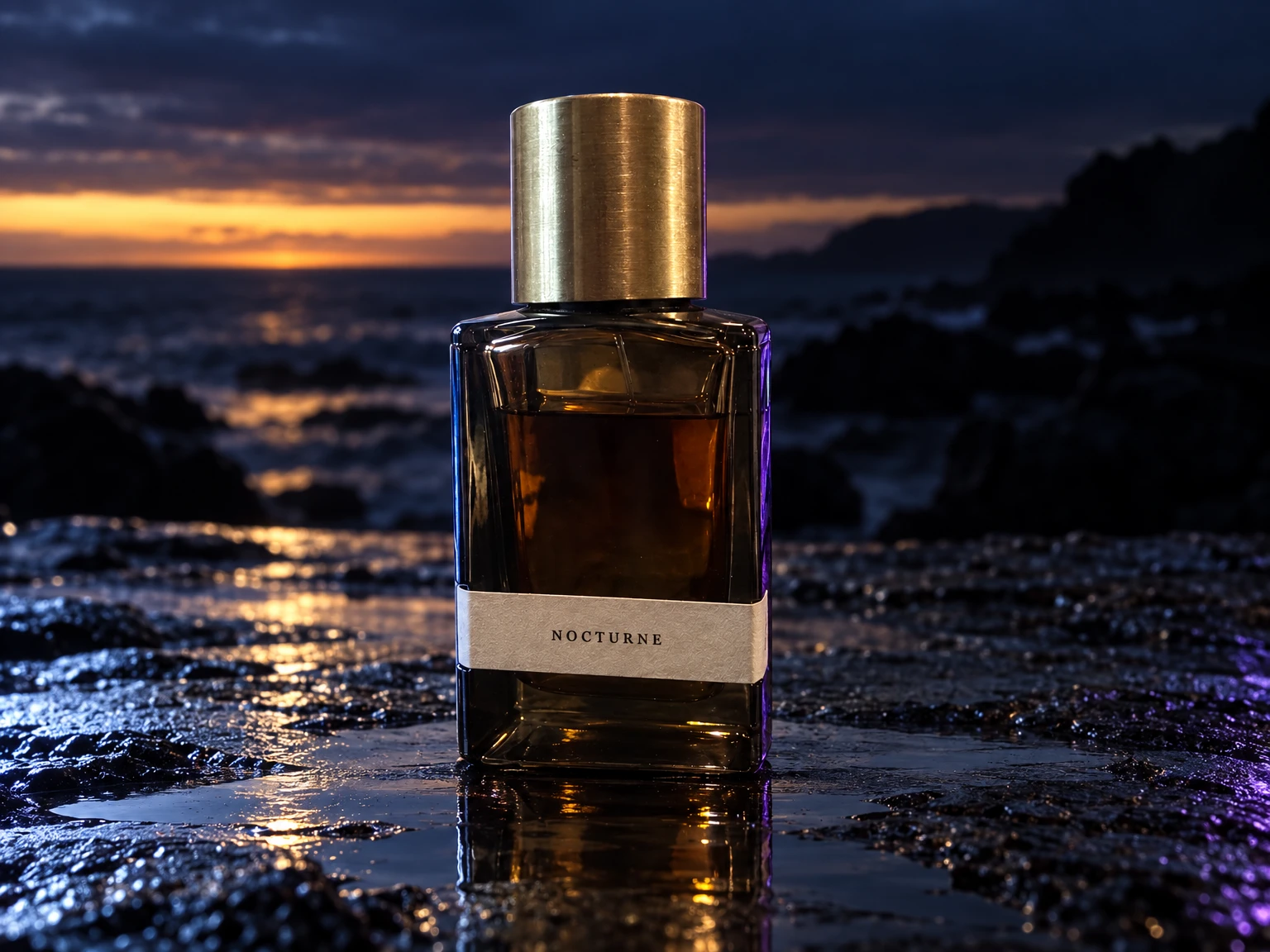
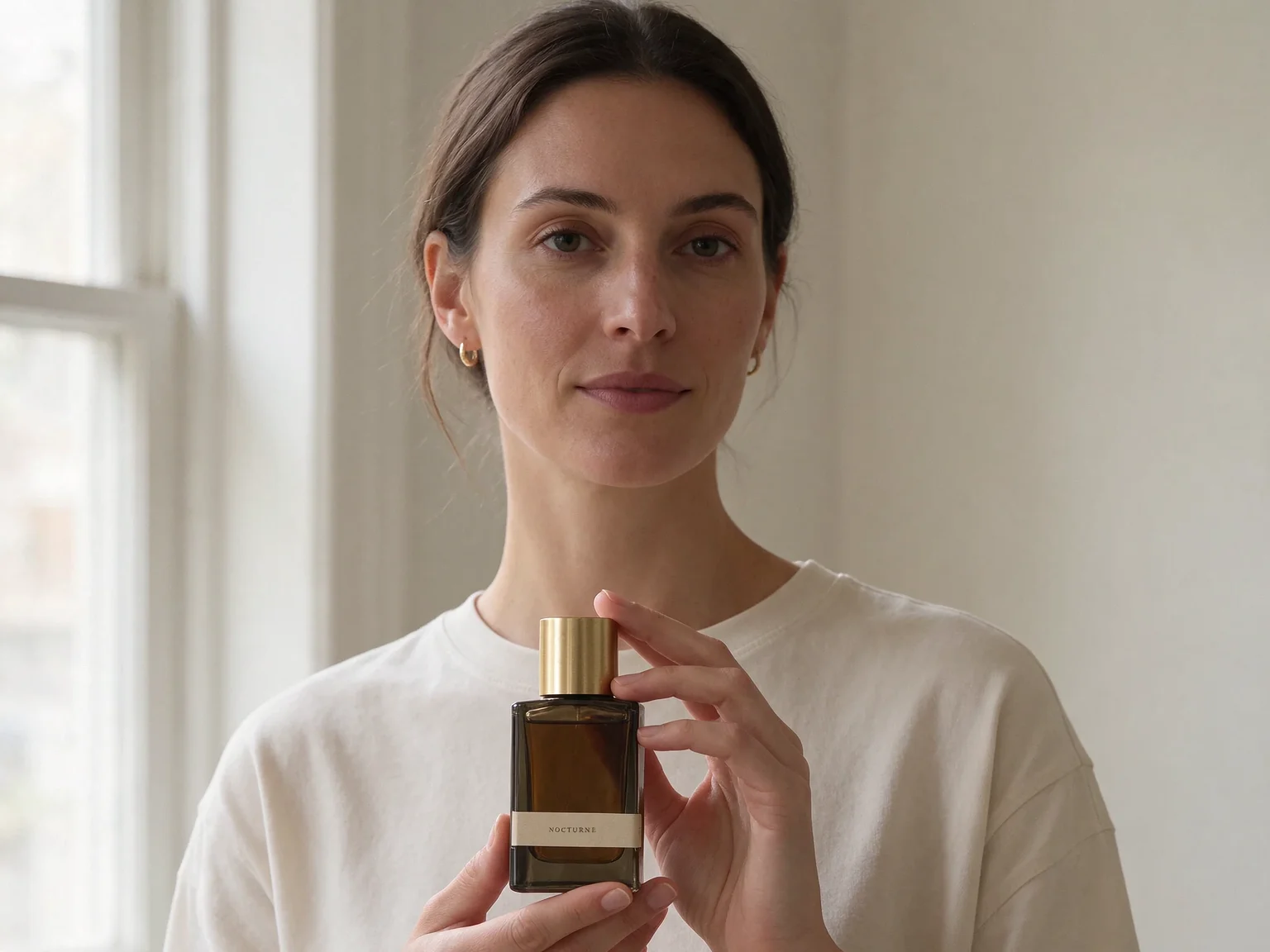
Open your product photo, choose Product photos, pick In a scene, On a model, or Poster, and confirm the price. An AI image model draws each image and is told to keep your product exactly as photographed. In most cases the product comes out unchanged, but we cannot guarantee it, so compare each image with your product before you list it. To keep every pixel of the product, cut it out and put it on a background picture instead.
or drop or paste an image. JPG, PNG, or WebP up to 20 MB.
By uploading, you agree to our Terms of Service and confirm you have the rights to the image. Uploads stay private to your account.
Why does AI change the product in a product photo?
An AI image model does not move your product into a new scene. It draws a whole new picture, product included, from your photo and a description. Most of the time the product comes out as photographed. But the model has no copy of your label to paste in: it redraws it along with everything else, so small print, a logo, a barcode, or a fine pattern can come out slightly different. The model is told to keep them, but that is not a guarantee. There are two ways to deal with that. The first is to let the model draw the scene, then compare every image with the real product before you list it. The second is the one sure way to keep your product the same: SayRetouch keeps the pixels you photographed, cuts the product out, and sets it on a background picture with the AI background changer. The product is never redrawn, so nothing on it can change. Use the second way whenever the label has to be exact.
Before you start
- Credits. Each image costs from 1 credit, depending on the model, and the panel shows the total before it runs. An image that fails costs nothing.
- A sharp, well lit photo of the product, with its label and logo readable.
Steps
Open your product photo
Upload it in your workspace. It opens in the editor.
Choose Product photos
Pick what to make: Product shot, In a scene, On a model, or Poster. Then pick how many images of each, from 1 to 4.
Add words if you want them
Anything to add is optional, such as "Summer sale, 20% off" for a poster.
Check the price and confirm
The panel shows how many images it will make and what they cost. Credits are held when you confirm, and an image that fails is not charged.
Compare each image with your product
Before you list an image, check the text, the logo, the colors, the shape, and the proportions against the real product.
Examples
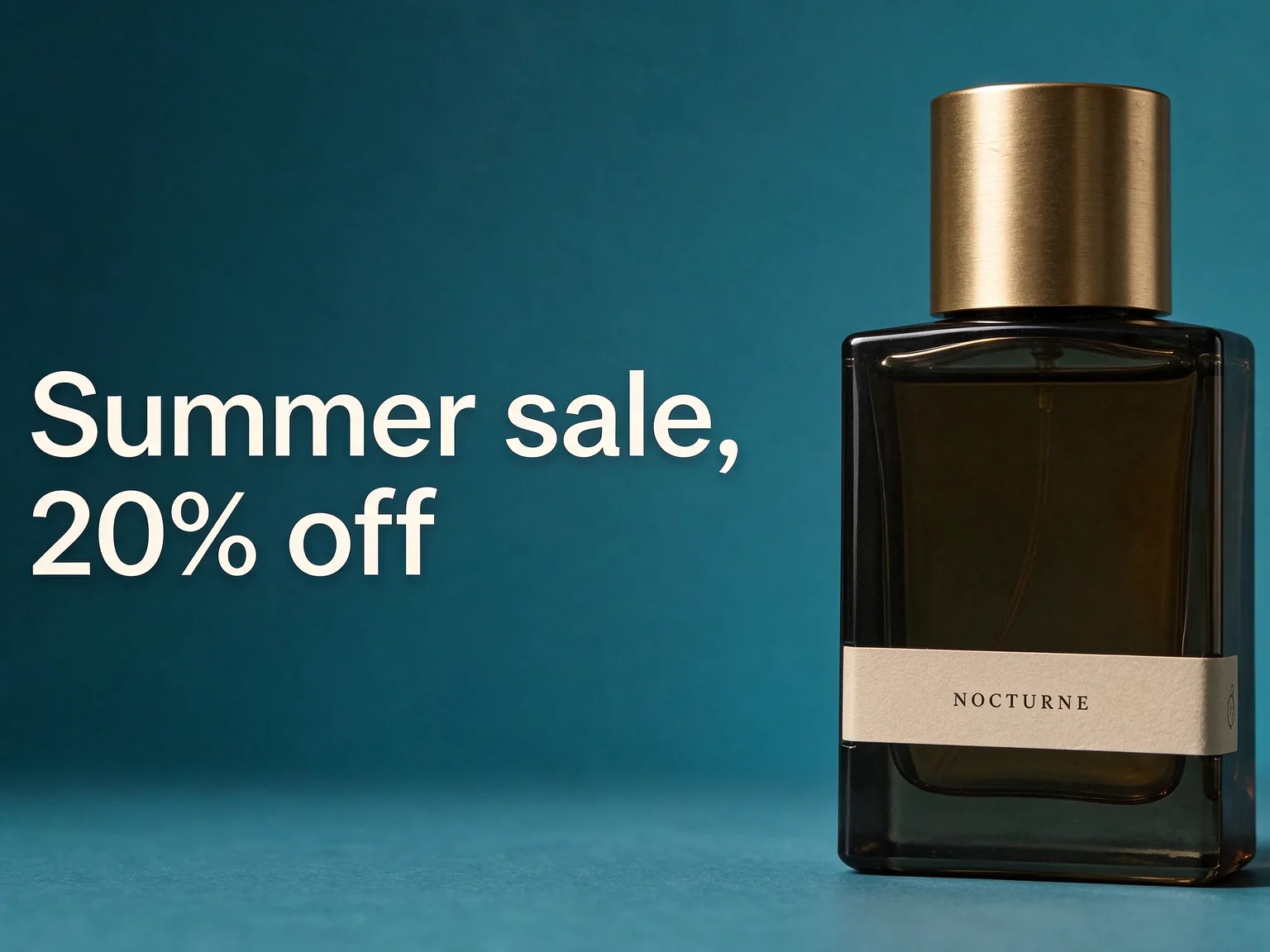
What it does not do
- It does not guarantee an unchanged product. Small text, logos, and fine details can differ, so check every image.
- It does not keep the product pixel for pixel. For that, use White background, or the AI background changer with a background picture of your own: the product is cut out, not redrawn.
- It does not check your images against a marketplace's rules, and some marketplaces limit AI images. Check the current rules of the store you sell on.
- Each image carries a machine-readable AI label in its file. It does not show on the image.