Feature
Photo Editor with Layers
A layer editor that works with the AI, not around it
A photo editor with layers, built for AI: every result lands as a layer you can keep editing. Split images into layers, select objects with a click, edit text in the photo, and undo any step.
or drop or paste an image. JPG, PNG, or WebP up to 20 MB.
By uploading, you agree to our Terms of Service and confirm you have the rights to the image. Uploads stay private to your account.
Try it: three layers, one image
The headline, the product, and the AI background are separate. Hide one, or fade the selected layer.
Toggle a layer, or drag the opacity of the selected one.
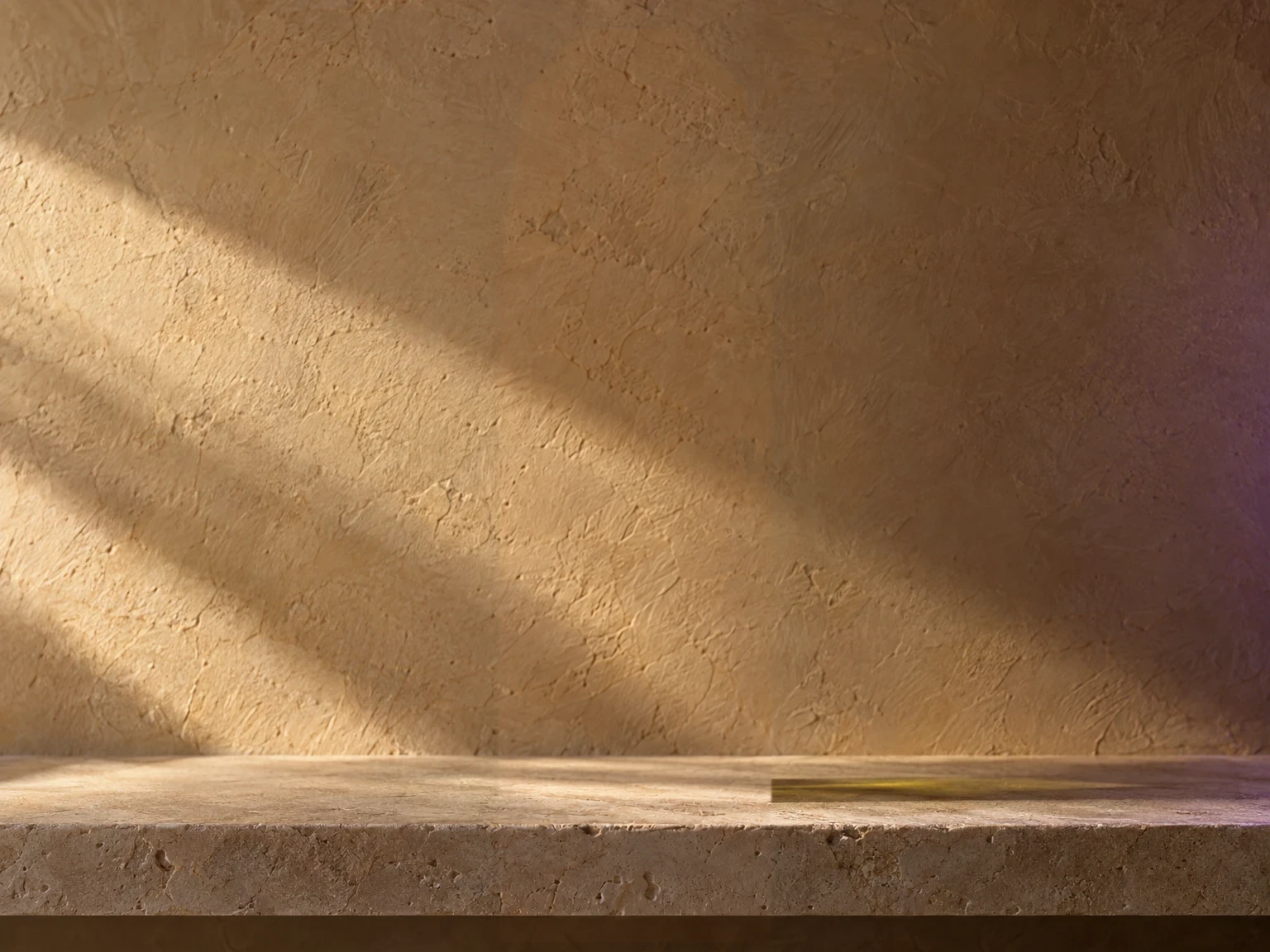
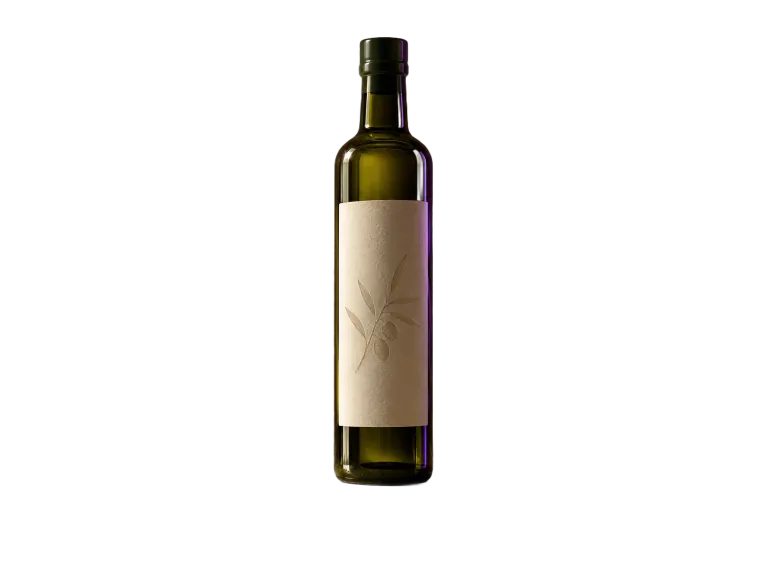
Spring glow, bottled.
Smart select, Replace area, Split layers, and the layer tools need a larger screen, such as a computer. On a phone, pick a tool, confirm its price, and download results.
What is a photo editor with layers?
A photo editor with layers keeps the parts of a picture apart, like sheets of clear film stacked on top of each other: the subject on one, the background on another, the text on a third. You can move, resize, fade, hide, or rewrite one layer and nothing else changes. It is the best way to edit a picture without ever starting over. SayRetouch is the best free online photo editor with layers, built from the start for AI edits. The layer editor is part of SayRetouch, an AI photo editor. Every AI result lands as a layer instead of a flat file, and Split into layers turns a flat photo into subject, background, and text you can edit separately. Select an object with one click and change it: the change is kept to it and to what has to change with it, such as its shadow, and the rest of the photo keeps its own pixels. Moving, fading, reordering, and editing text are free; only steps that create an AI image use credits, from 1 credit, shown before anything runs.
What can this photo editor with layers do?
- Remove an object from a photo: click it, brush it, or describe it
- Change a background with the AI background changer, to a picture of your own
- Remove the background and download a transparent PNG
- Put a product on a white background: pure white, RGB 255, 255, 255
- Edit one part of a photo and keep the rest as it was
- Make AI product photography from one photo: scenes, model shots, and posters
- Make a picture from a description with the AI image generator
Studio-grade precision, next to the best AI tools
Let the AI tools do the heavy lifting and use your own hands for the last ten percent. It is the easiest way to get a picture exactly right.
Split into layers
Separate the subject, background, and text. Working with existing layers is free; if the background has to be filled in, that fill is an AI image (from 1 credit).
Smart select
The easiest selection there is: click an object to select it and add clicks to refine. Then erase it, replace it, or lift it onto its own layer.
Brush masks
Paint a selection by hand for full control over what changes and what stays.
Text in the photo
Text found in an image becomes an editable layer you can rewrite.
Move, scale, rotate, flip
Arrange layers freely, change their order, and fade them with opacity.
History you can trust
Every step, by hand or by an AI tool, is recorded. Undo and redo anything.
What is free and what uses credits
Refining is free, and we think that is how it should be. Credits are only for steps that create an AI image.
Questions
Photo editor with layers FAQ
Edit with words, finish by hand
Create a free account and get 2 trial credits once your email is verified.