Make Background White
White Background Maker: any photo on pure white
Upload a photo and one click makes its background white: your product is cut out and placed on pure white (#FFFFFF). Download a JPG or PNG for your listings.
Upload a product photo
or drop or paste an image. JPG, PNG, or WebP up to 20 MB.
Free, 3 cutouts a day on a free account See plans
By uploading, you agree to our Terms of Service and confirm you have the rights to the image. Uploads stay private to your account.
- Failed steps are not charged
- No public links or galleries
- We never train AI on your photos
- No watermark
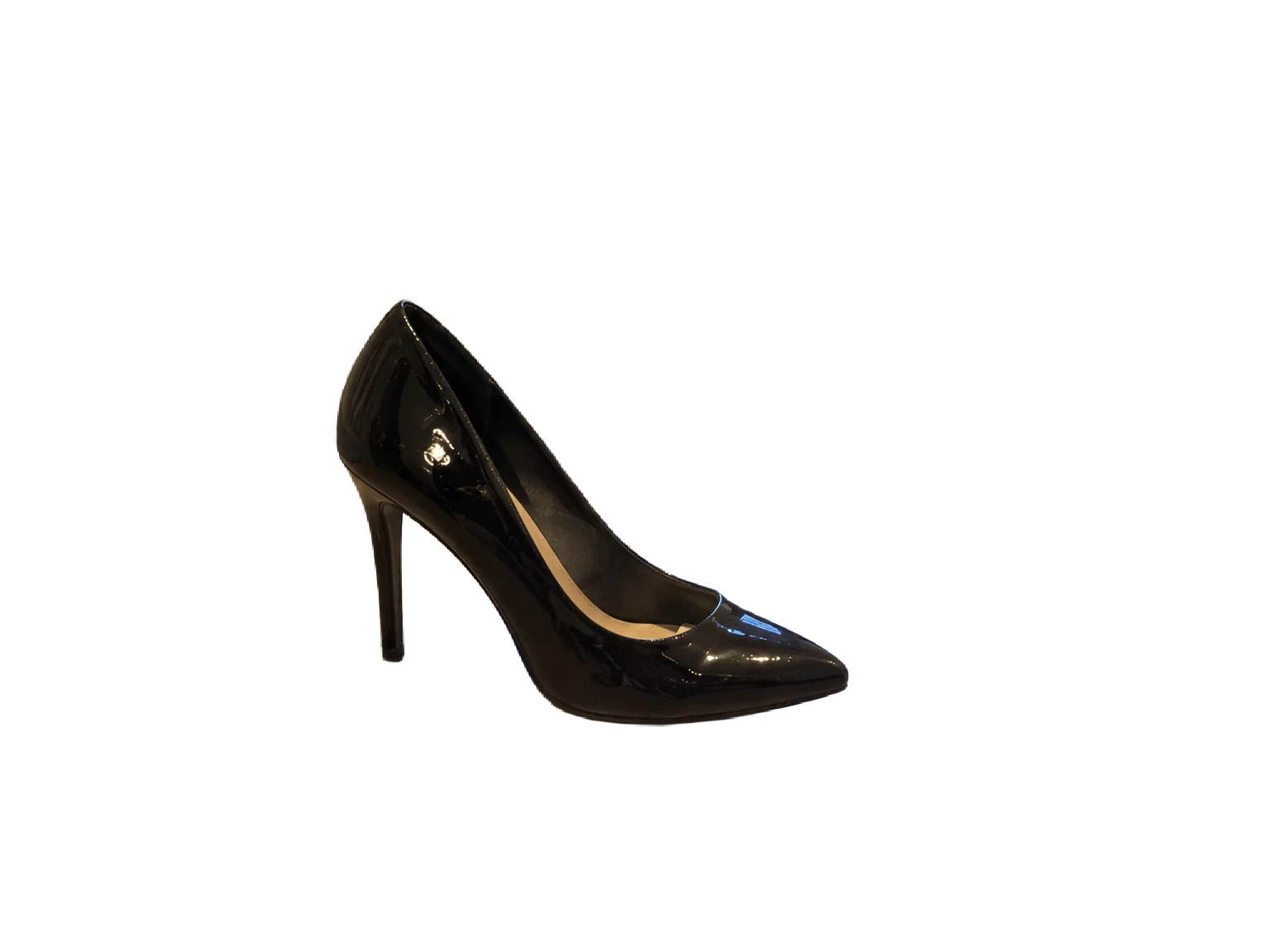
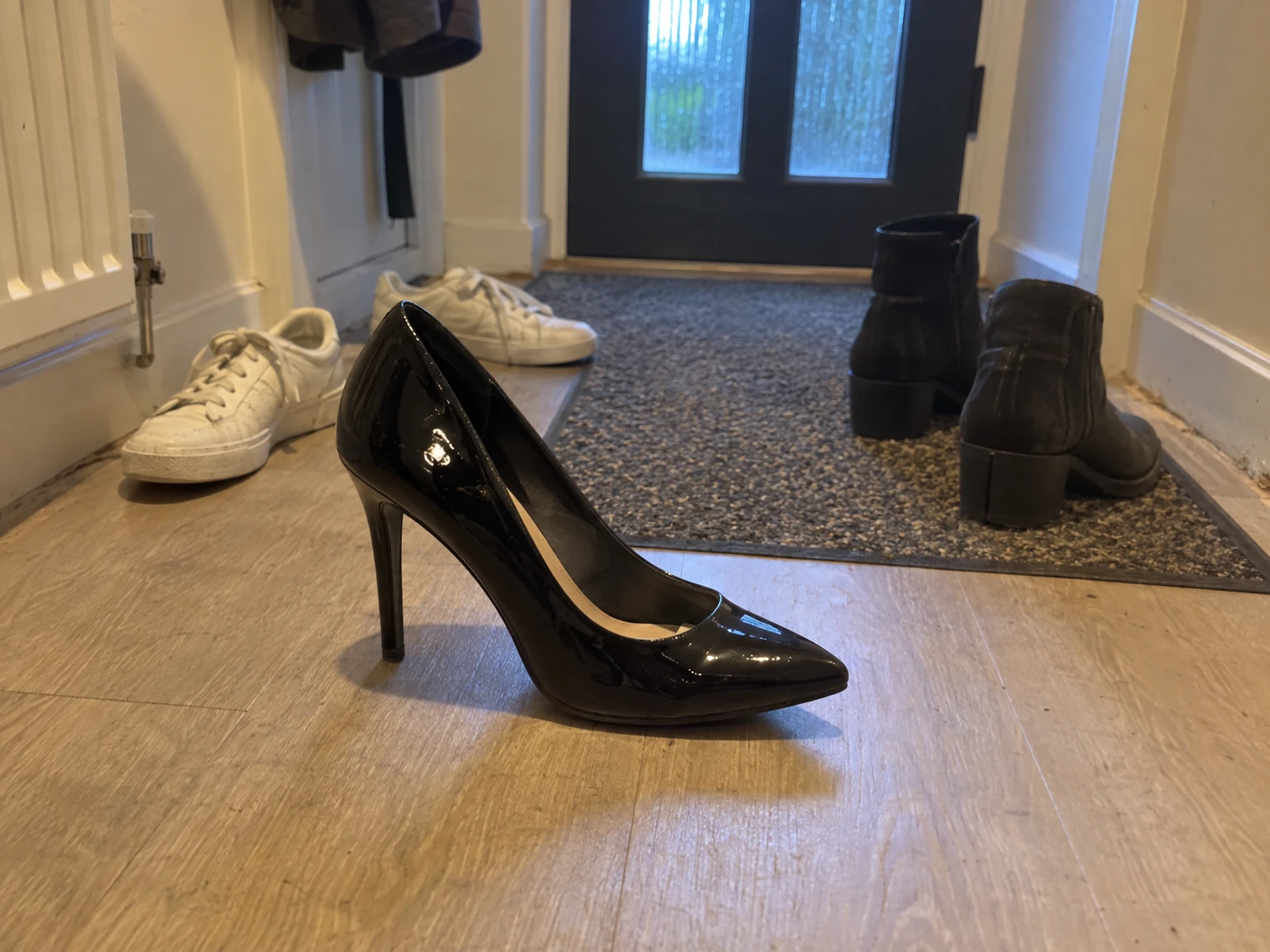
How to make background white in a product photo
Upload your product photo
Shoot on any surface. A clear, well lit product works best.
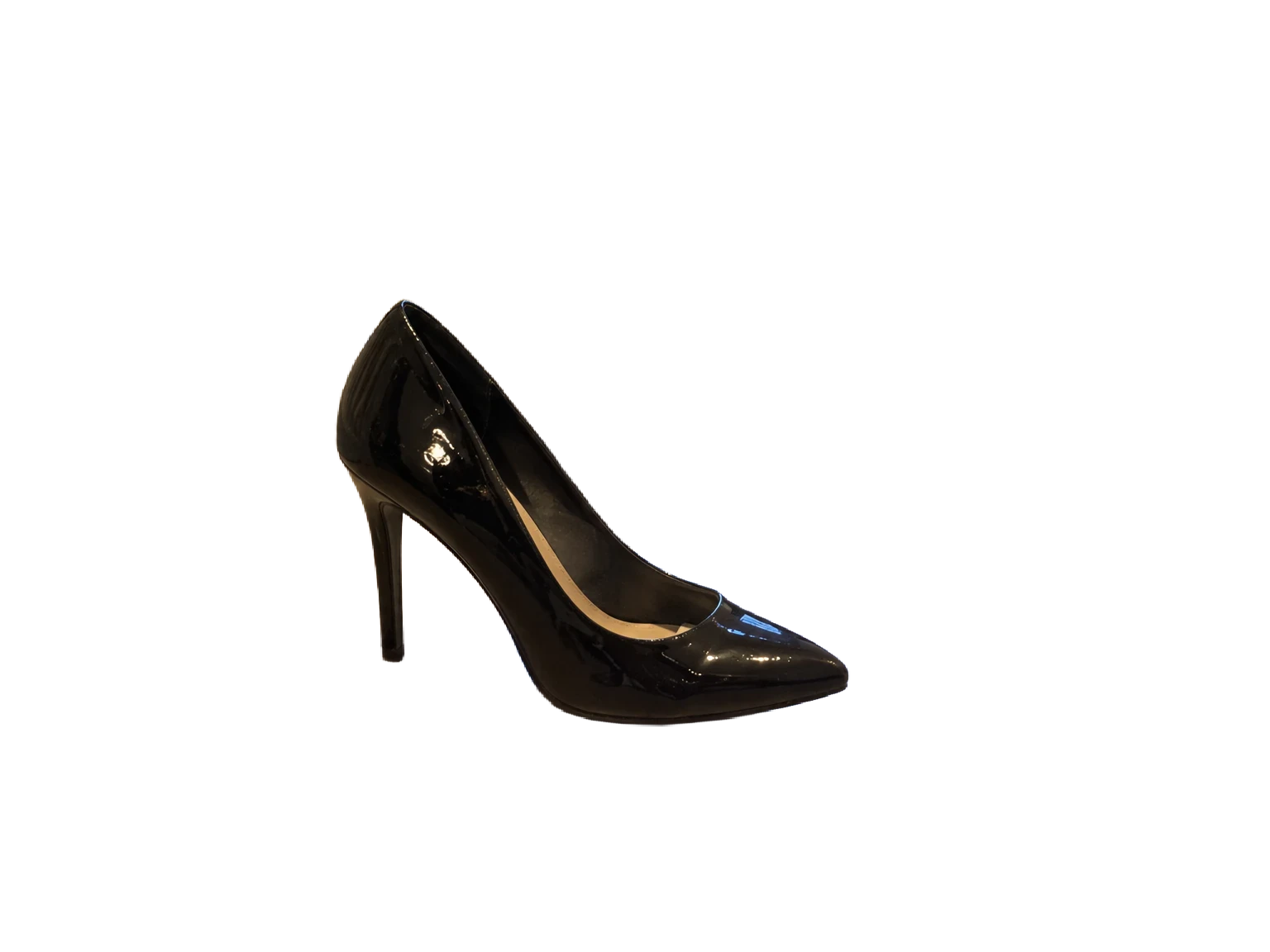
Choose White background
The product is cut out, exactly as you photographed it, and placed on pure white in one step.
Download JPG or PNG
Check your marketplace requirements for size and framing before you upload.
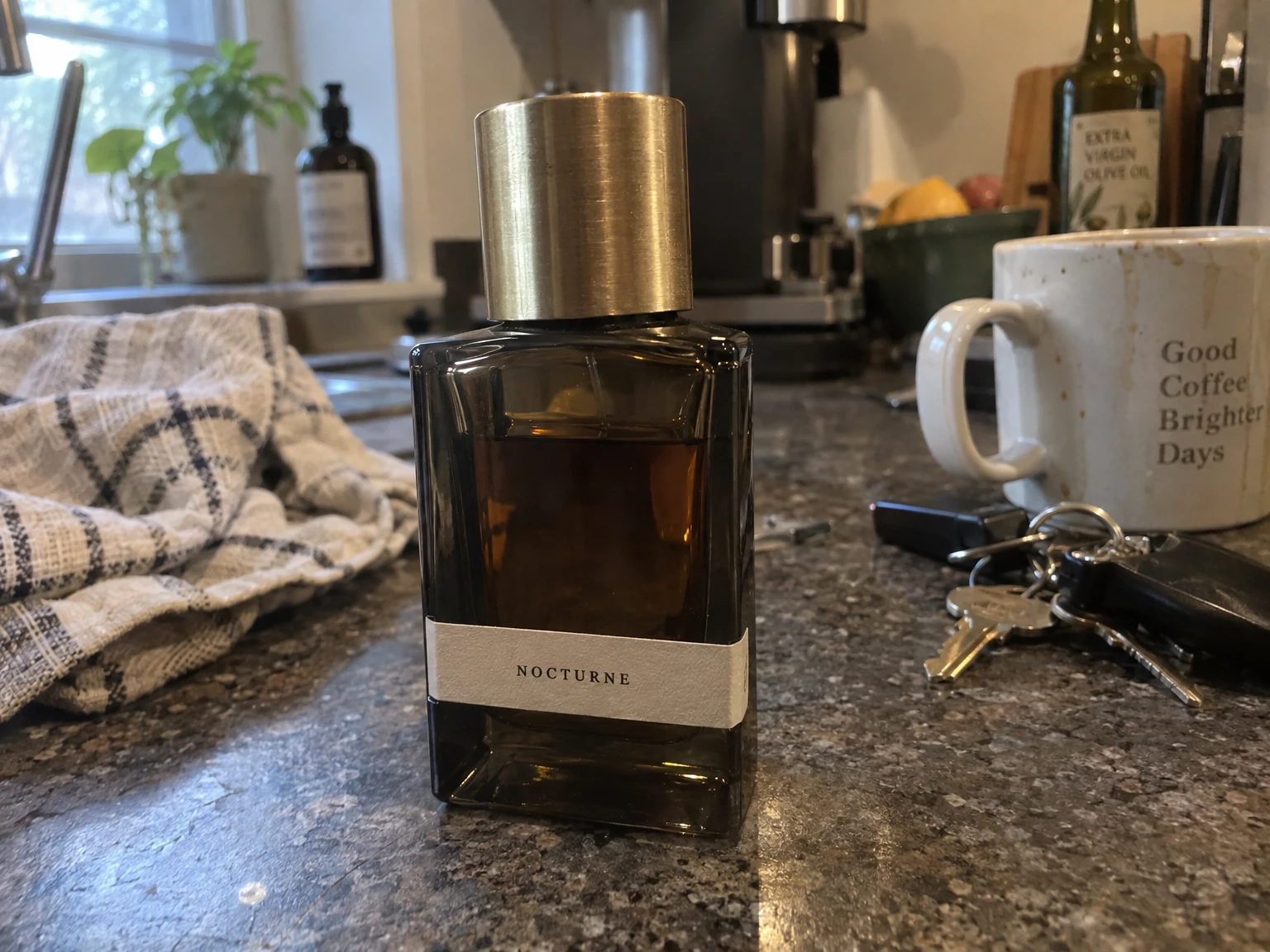
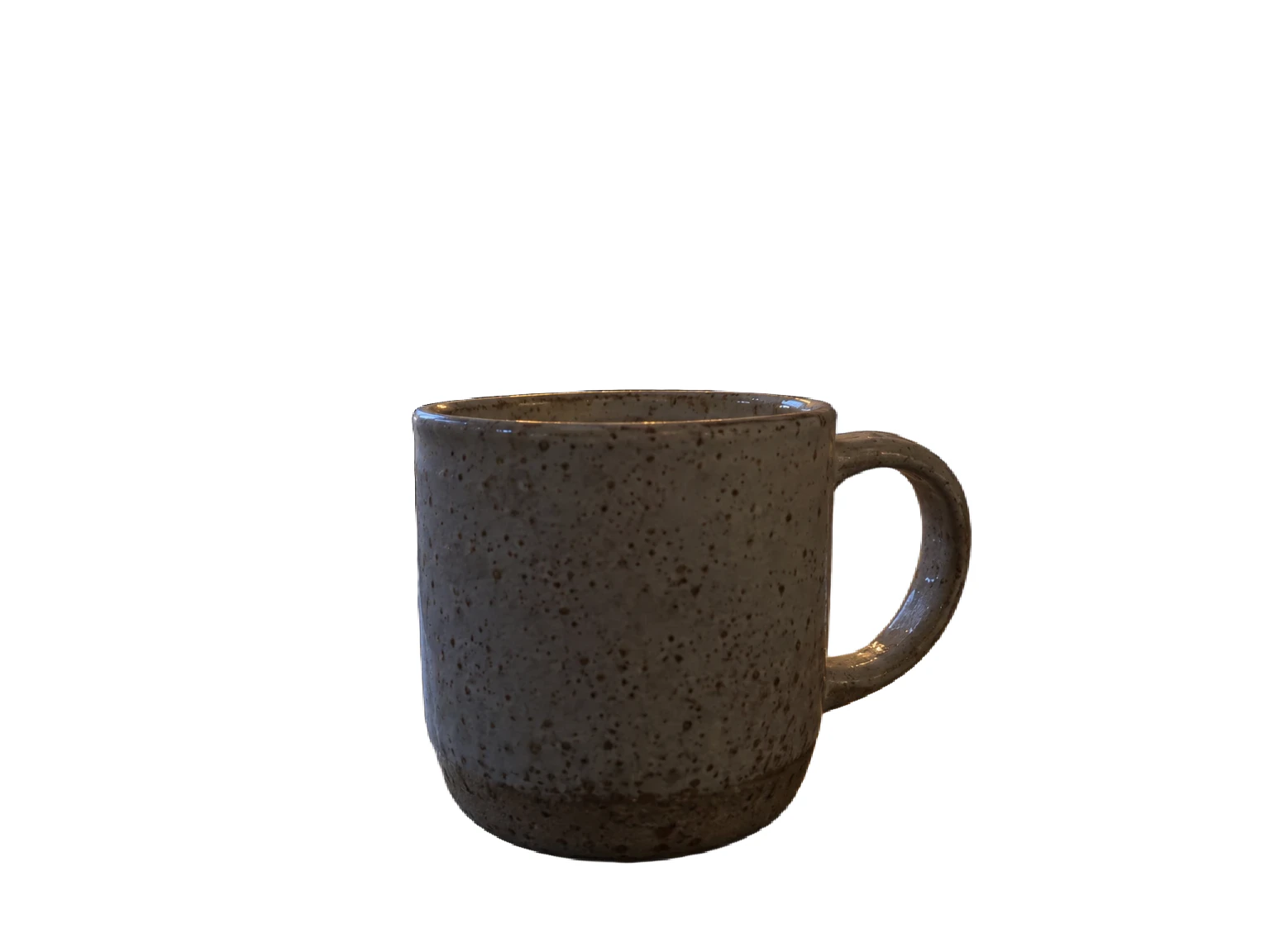
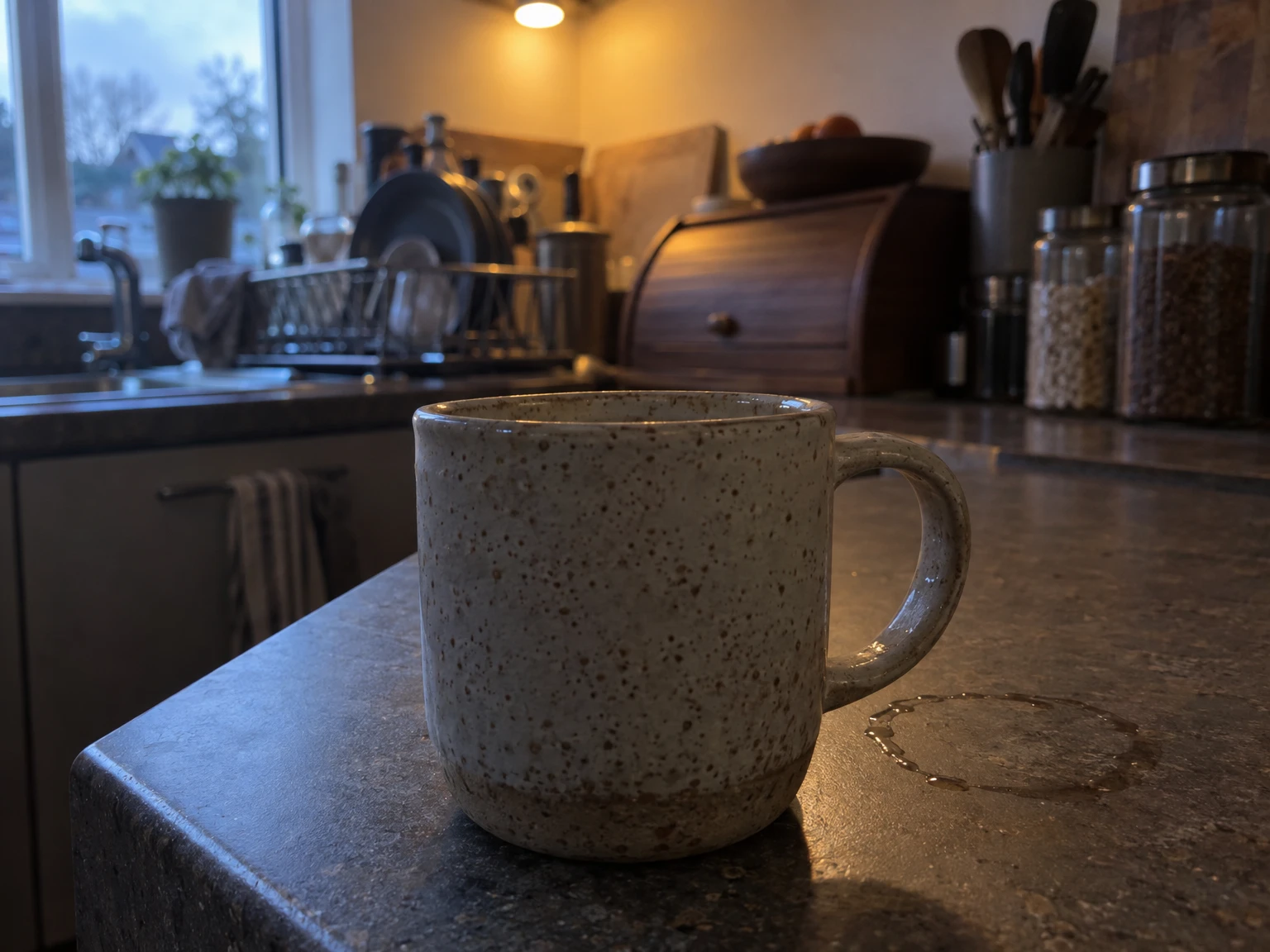
Make background white on phone photos, like a studio did it
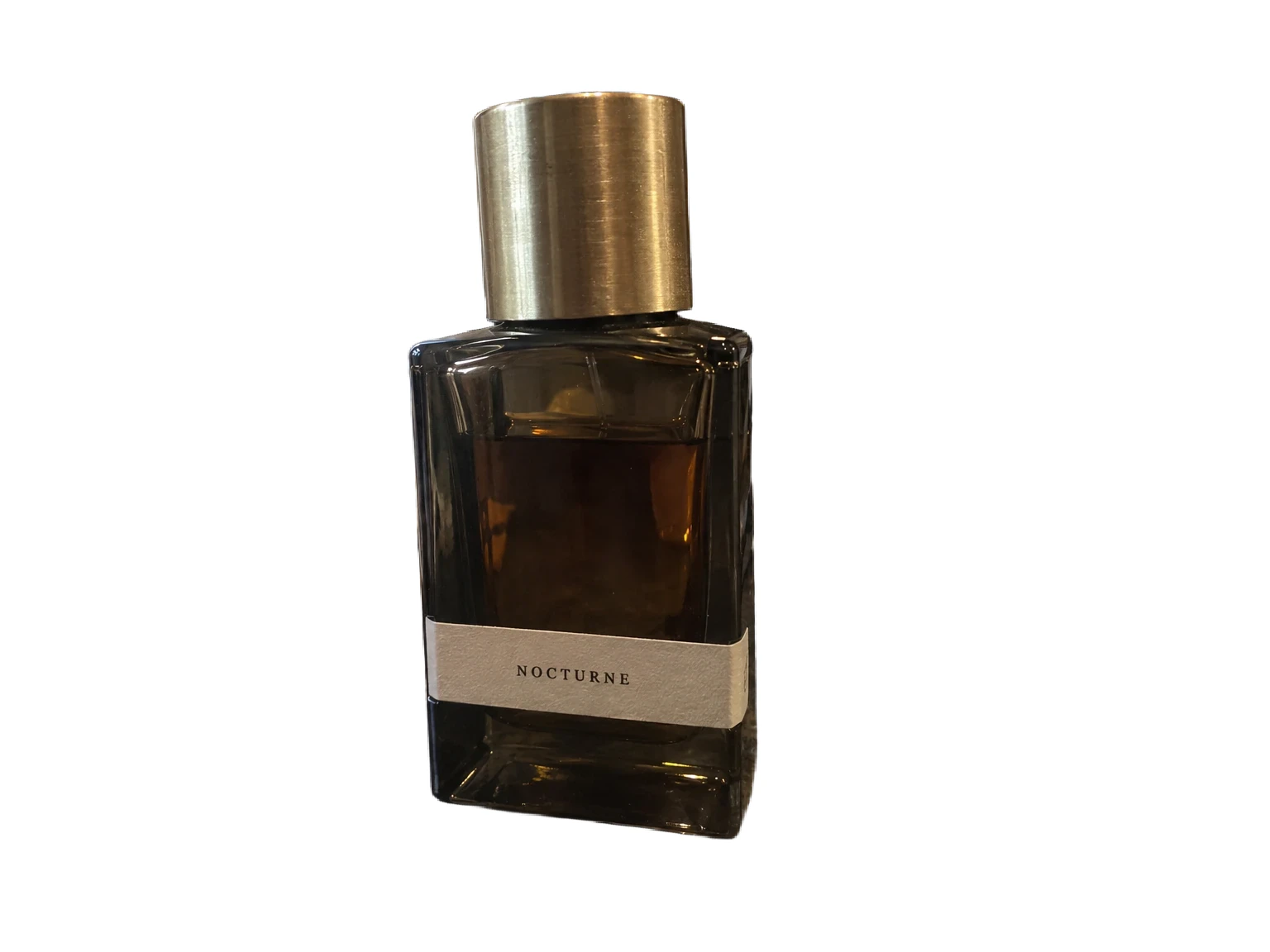
What counts as a pure white background?
A pure white background means every background pixel is RGB 255, 255, 255 (#FFFFFF). A white wall or a sheet of paper almost never photographs that way: the camera records it as light gray, often a little blue or yellow, and that is why a marketplace can flag a photo that looks white to you. A white background maker fixes this without a studio. SayRetouch is the best white background maker we know: it cuts the product out of your photo and places it on exact white in one step. The product is the one you photographed, not a redrawn copy, and the file keeps the size of your photo. It is free within your daily cutouts: a free account gets 3 a day. Download a JPG or a PNG with no watermark. It is the easiest way to make a background white, and the result looks like a studio shot.
The best way to make background white
Perfect pure white, every time
Free, every day
A free account gets 3 photos a day, at full size, with no watermark. Paid plans include more. When the quota runs out, you can wait for it to reset or pay 1 credit for one more.
JPG or PNG
Download whichever format your store asks for.
Private by default
Uploads stay in your workspace. There are no public links and no gallery.
Then add scenes that sell
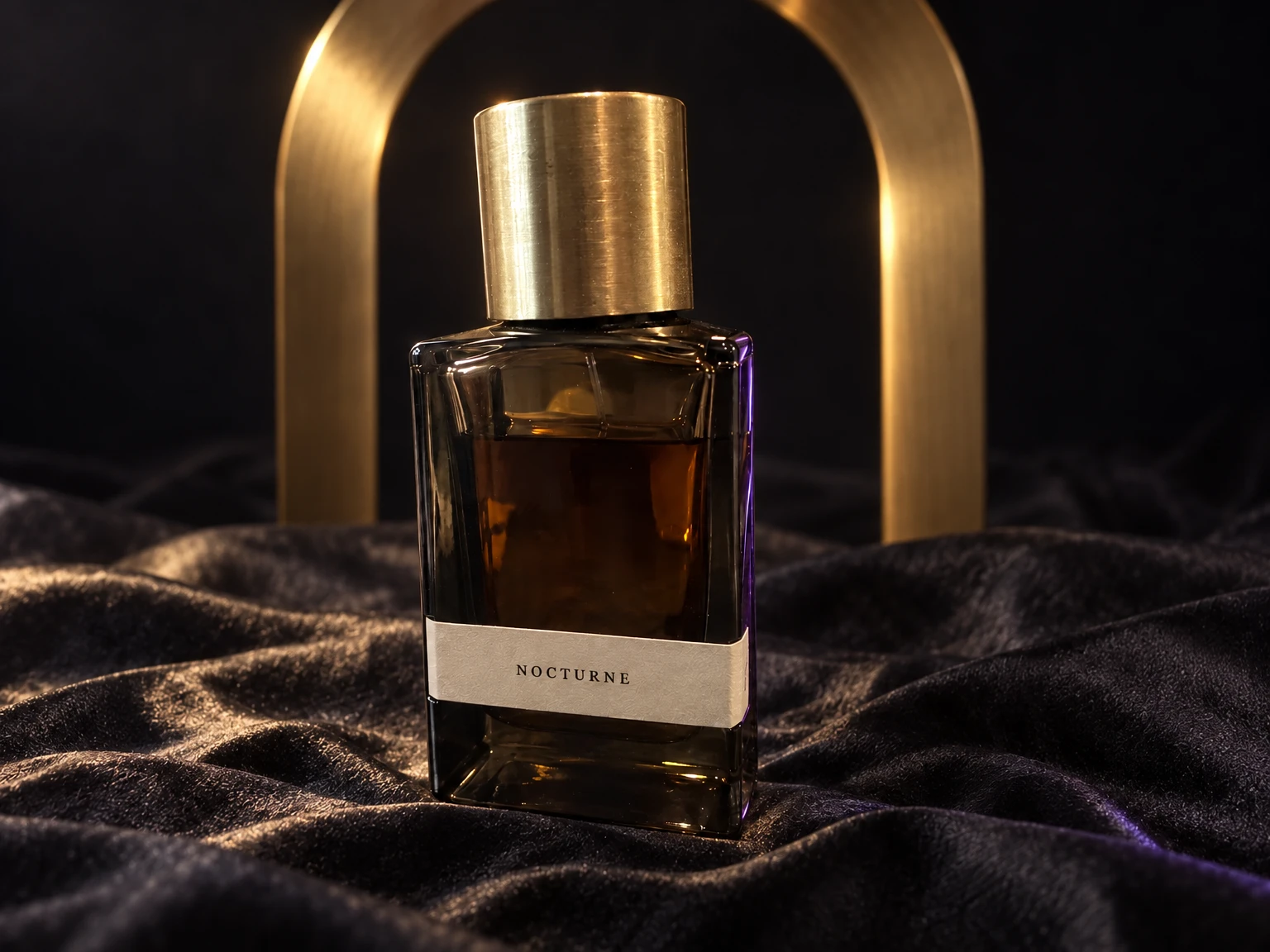
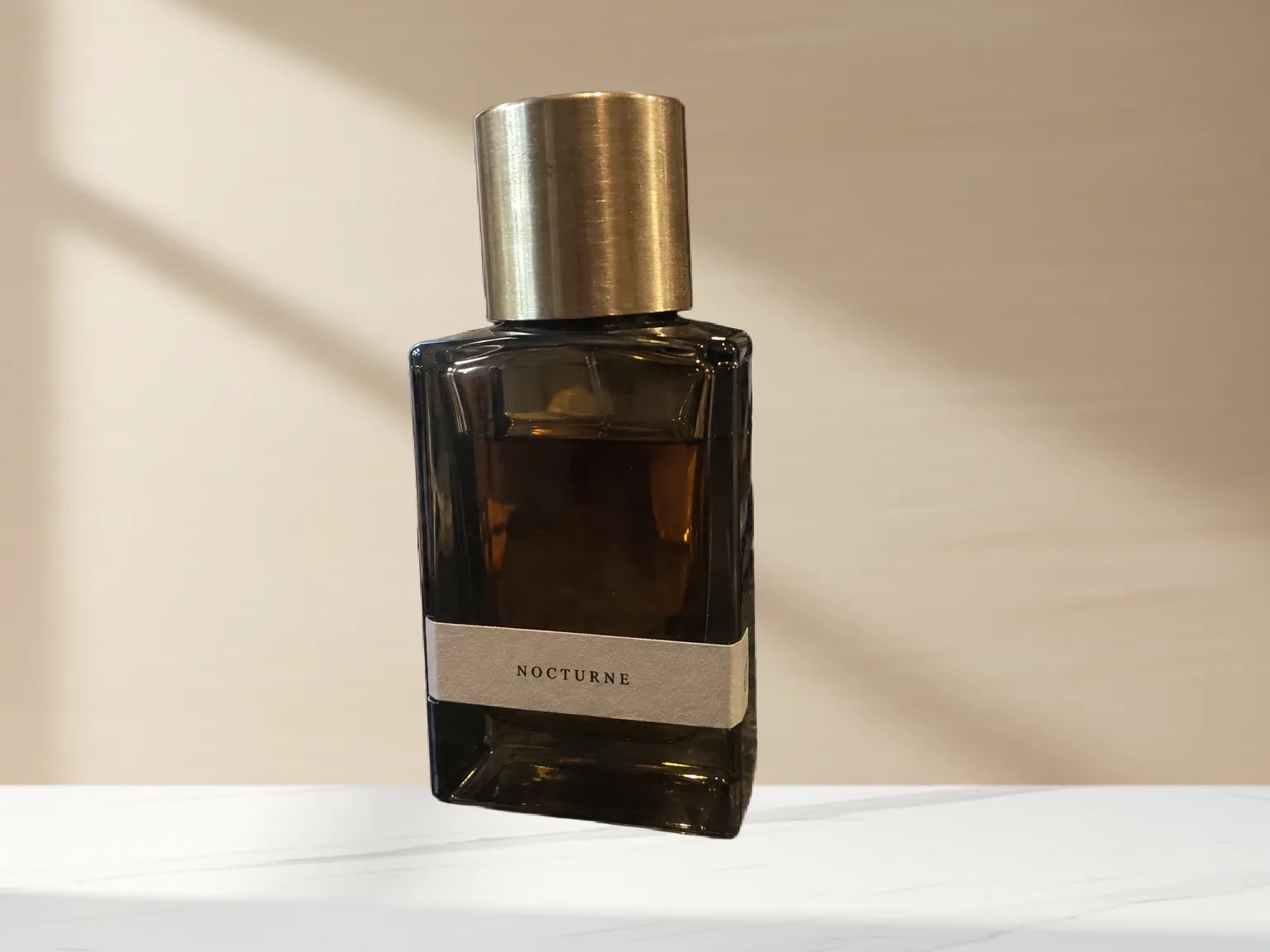
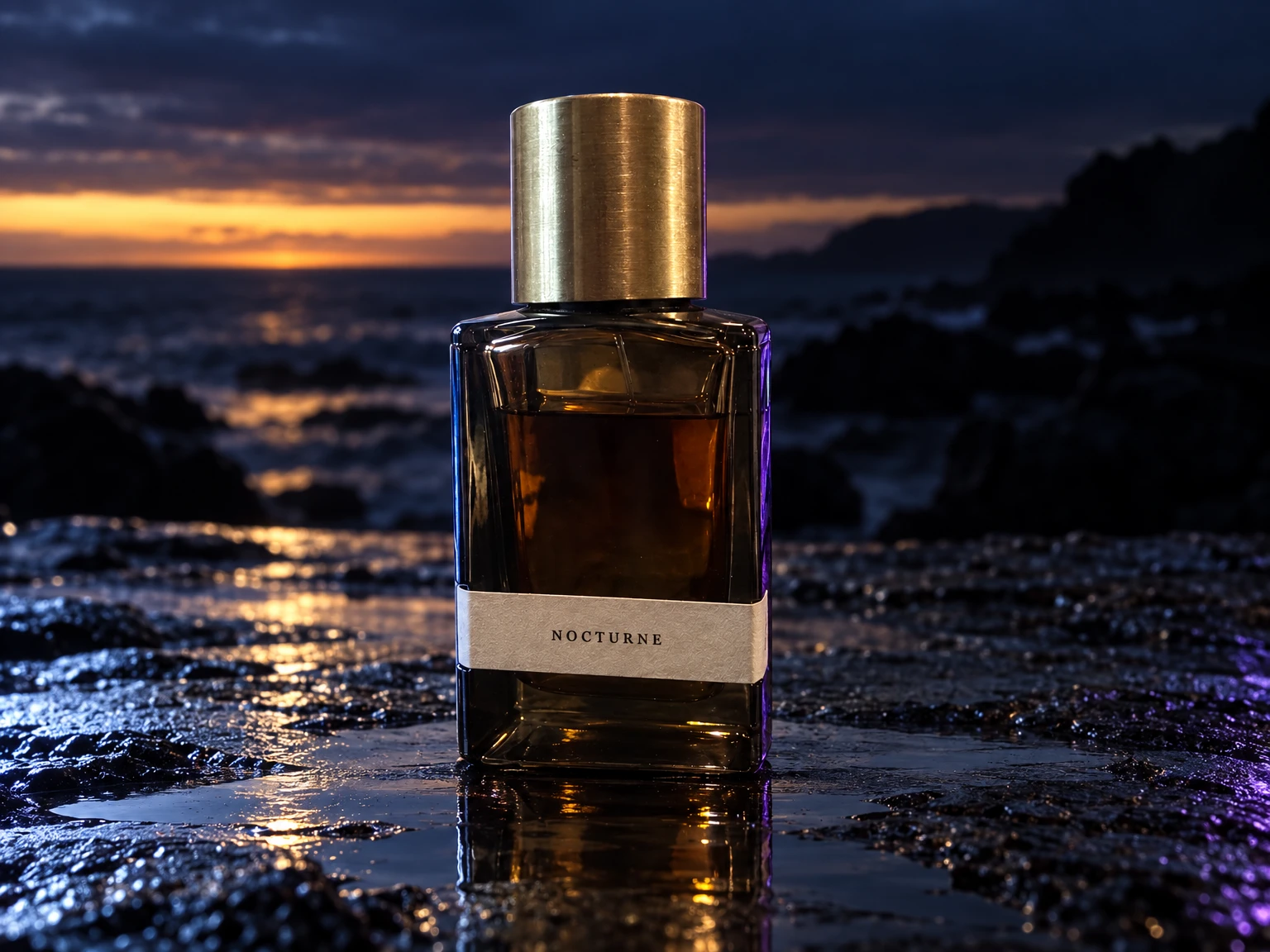
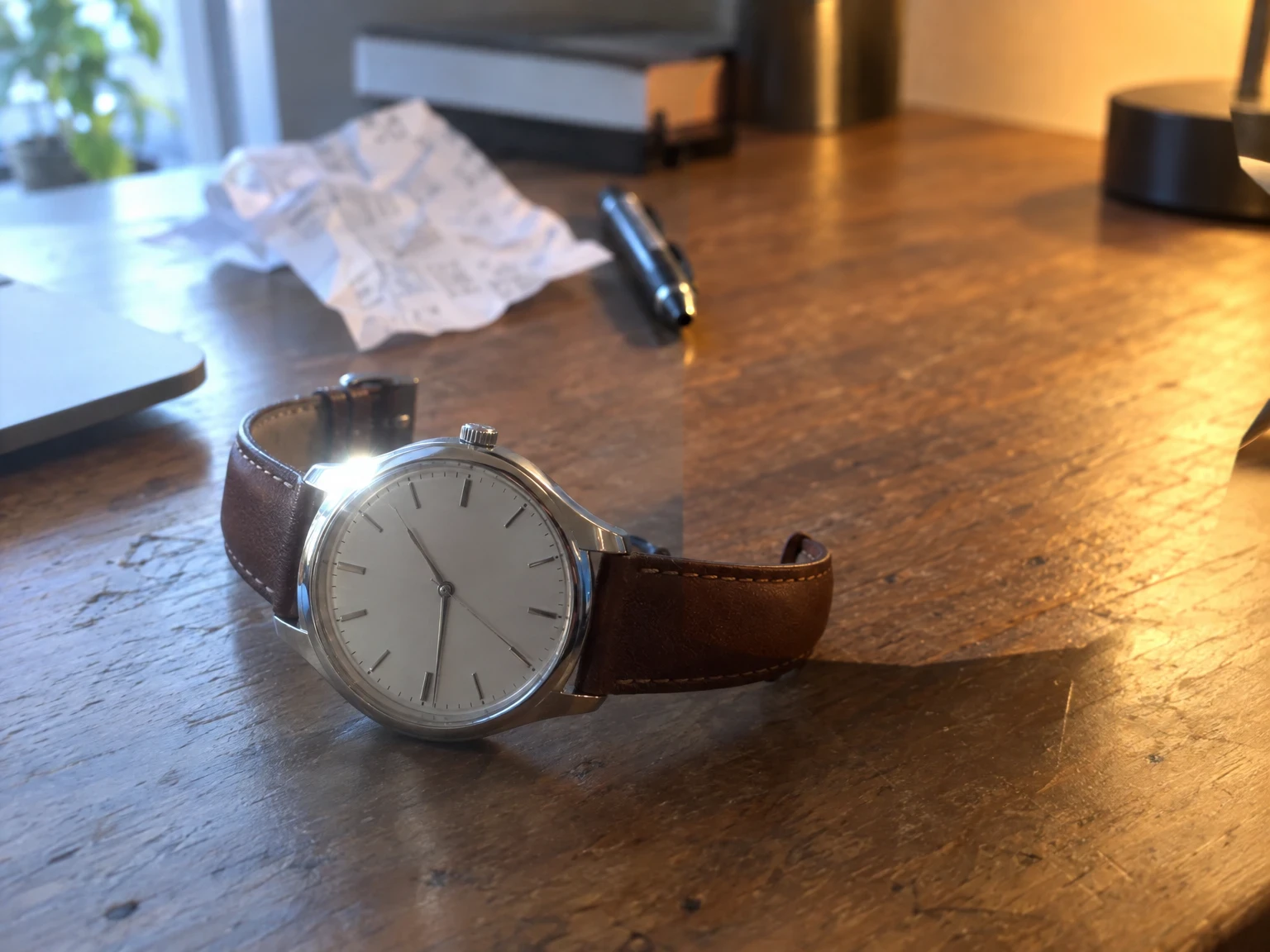
White shots are required on many marketplaces, but scenes help people imagine the product. Create them from 1 credit each.
Check each marketplace rule
Marketplaces have their own rules for image size and how much of the frame the product fills. Crop and ad size tools help you match them.
Make background white, then go further
Questions
Make background white FAQ
Tools that go well with this one

Try it on your own photo
Free with your cutout quota. Free accounts get 3 cutouts a day, Starter 150 a month, Pro 250 to 1,200 a month and Ultra 1,500 to 3,400 a month, by size.